Why AI Assistants Need Servers: A 2026 Guide
2026-06-19

AI assistants are defined by their need for persistent, stateful infrastructure. Without a dedicated server, an AI assistant is just a chatbot that forgets everything the moment your laptop lid closes. Understanding why AI assistants need servers is the difference between deploying a tool that works once and building an agent that works continuously. Whether you're a developer running OpenClaw or a business professional evaluating AI infrastructure, the answer comes down to three things: persistent state, reliable availability, and security control.
Why AI assistants need servers: the core technical case
The fundamental reason is that AI agents need computers, not just compute. Serverless functions and ephemeral APIs reset after every call. They cannot maintain a running shell, hold installed packages in memory, or pick up a task where it left off. An AI assistant doing real work needs a persistent filesystem, a package manager, and a long-lived process that survives between sessions.
This is a meaningful shift in how infrastructure is designed. The industry spent years pushing toward stateless, serverless architectures. AI agents are reversing that trend. They require stateful mid-session workers that behave more like a dedicated workstation than a cloud function. Think of it as the difference between a calculator and an employee. A calculator gives you a result and resets. An employee remembers context, builds on prior work, and keeps going when you step away.
Here is what a server provides that a laptop or serverless function cannot:
- Persistent filesystem: The agent can read, write, and modify files across sessions without losing state.
- Installed dependencies: Tools like Python packages, CLI utilities, and custom scripts stay installed and ready.
- Running shell access: The agent can execute commands, chain workflows, and interact with the operating system directly.
- Long-lived sessions: Tasks that take hours or days complete without interruption from sleep cycles or reboots.
- Scheduled job execution: Cron jobs and background tasks run on a fixed schedule, independent of whether you are online.
Pro Tip: *If your AI assistant is primarily making API calls rather than running local computation, a lightweight VPS with 2–4 GB RAM and 10 GB disk is often sufficient to start. You do not need enterprise hardware to get persistent, always-on behavior.*
How do servers improve reliability and user experience?
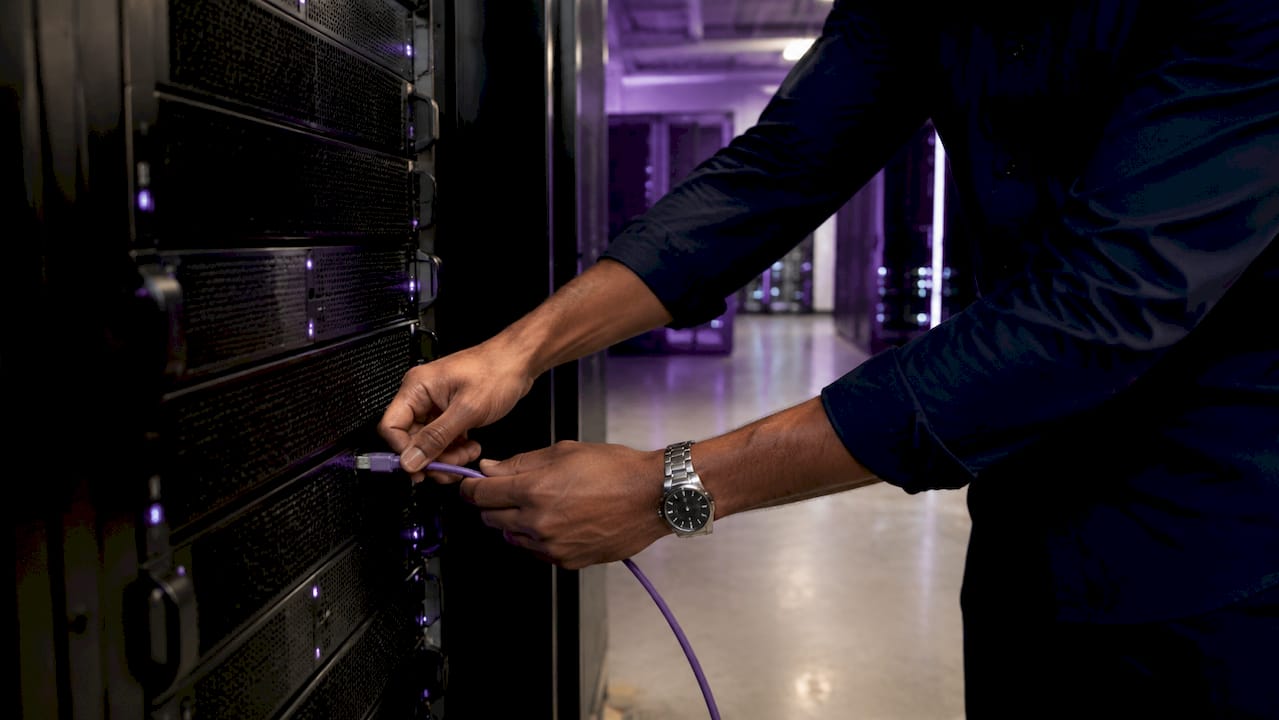
Moving an AI assistant to a remote server eliminates the single biggest source of agent failure: the local device going offline. When your laptop sleeps, your agent dies. When your server runs, your agent keeps working. That distinction matters enormously for any workflow that depends on timing, scheduling, or continuous monitoring.
Here is how server-based hosting transforms the day-to-day experience of running an AI assistant:
- Uninterrupted uptime. The agent runs 24/7 regardless of your local device's power state. Scheduled jobs fire at the right time. Background tasks complete without you watching them.
- Stable network reachability. A server with a fixed IP address or a private mesh network like Tailscale gives every device you own a reliable way to reach the agent. You can send a message from your phone and get a response that reflects work the agent did while you slept.
- Multi-device access. Because the agent lives on the server rather than your machine, any device can interact with it through a consistent interface. Your phone, tablet, and desktop all talk to the same persistent agent.
- Push-style notifications. A server-hosted agent can send proactive updates through Telegram, Discord, or email when a task completes or an event triggers. A laptop-bound agent cannot do this reliably.
- Session persistence across reconnects. If your connection drops, the agent keeps running. When you reconnect, the session is exactly where you left it.
The practical result is that your AI assistant stops being a tool you use and starts being a system that works for you. That shift only happens when the agent lives on infrastructure that does not depend on your presence.
Why does sovereign infrastructure matter for AI security?
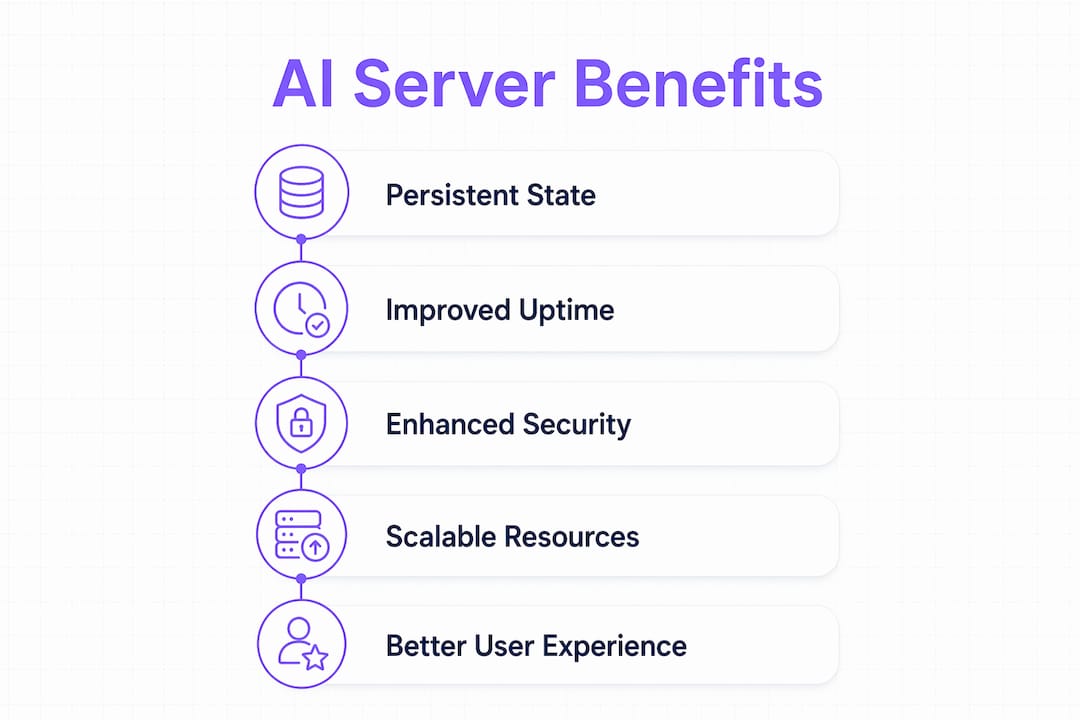
Hosting AI agents on sovereign infrastructure gives you direct control over audit logs, permission revocation, and model provenance. Third-party cloud providers limit your access to raw logs and can modify the environment your agent runs in without notice. When your agent executes code, manages files, or interacts with external services, you need to know exactly what it did and when.
The security benefits of server-based hosting break down into four areas:
- Audit trails: Every action the agent takes is logged on infrastructure you control. No third party can redact or delay that record.
- Kill switches: You can revoke permissions or shut down the agent instantly. On a managed third-party platform, that control is mediated by someone else's API.
- Supply chain protection: Self-hosted agents are not subject to sudden policy changes or platform deprecations that could alter agent behavior without your knowledge.
- Jurisdictional compliance: Maintaining audit logs on your own infrastructure keeps all agent activity within a single legal jurisdiction and under direct organizational supervision.
> *"Containers share kernels and are vulnerable to exploits. Hardware-virtualized microVMs provide the runtime isolation needed for safely running AI agents that execute arbitrary code."* — LangChain
The LangChain observation above points to a nuance that most infrastructure discussions skip. The choice is not just between server and no server. It is between container-based isolation and hardware-virtualized microVMs. MicroVMs combine fast startup with genuine process isolation, which matters when your agent is running model-generated code. For organizations with compliance requirements, this distinction is not optional.
What hardware does an AI assistant server actually need?
The most common mistake in AI server planning is treating GPU power as the only variable that matters. The real bottlenecks are memory bandwidth, storage throughput, and networking speed. A powerful GPU sitting behind a slow NVMe drive or a congested network link will idle more than it computes. That idle time is direct economic waste.
| Component | Minimum for personal agents | Recommended for production |
|---|---|---|
| RAM | 2–4 GB (API orchestration) | 32–128 GB RDIMM |
| Storage | 10 GB SSD | NVMe Enterprise SSD |
| Networking | 1 Gbps | 400G/800G for distributed work |
| CPU | 2 vCPU | 8+ cores for parallel workflows |
| GPU | Not required for API agents | Required for local model inference |
Slow networking and consumer-grade storage cause 3–5x slowdowns in distributed training. That number reflects how much of your hardware investment disappears when the supporting components cannot keep pace with the GPU. For personal AI assistants that primarily orchestrate API calls, the hardware bar is much lower. A lightweight VPS handles most workloads. For enterprise agents running local inference or parallel workflows, the balance between memory, storage, and networking becomes the deciding factor in both performance and cost.
You can explore AI server hardware tradeoffs in more depth if you are evaluating dedicated versus VPS options for your specific workload.
How does server hosting transform what an AI assistant can do?
The functional difference between a laptop-bound AI assistant and a server-hosted one is not incremental. It is categorical. Self-hosted agents like Hermes demonstrate this clearly. On a laptop, Hermes is a capable tool you interact with manually. On a VPS, it becomes a persistent automator that runs scheduled jobs, monitors external services, and sends you updates through multiple messaging gateways.
Here is what becomes possible when an AI assistant moves to a server:
- Scheduled automation: The agent runs cron jobs, monitors APIs, and triggers workflows on a fixed schedule without any user input.
- Multi-gateway messaging: Agents like OpenClaw can deliver notifications and responses through Telegram, WhatsApp, Discord, and email simultaneously.
- Provider-agnostic operation: Self-hosted agents are not locked to a single model provider. You can switch between OpenAI, Anthropic, and open-source models without migrating your infrastructure.
- Persistent memory across sessions: The agent builds a working knowledge of your files, preferences, and past interactions over time, rather than starting fresh each session.
- Background file management: The agent can organize, process, and transform files in the background while you focus on other work.
Pro Tip: *When evaluating server hosting for an AI assistant, prioritize uptime guarantees and persistent memory management over raw compute specs. A cloud-hosted AI assistant with 99.9% uptime and solid memory persistence will outperform a more powerful machine that requires manual restarts.*
The open-source AI scalability challenges that emerge at scale, including memory bandwidth limits and network bottlenecks, are exactly why infrastructure planning matters from day one rather than as an afterthought.
Key takeaways
AI assistants require persistent server infrastructure because stateless compute cannot maintain the session continuity, filesystem access, and security controls that real agent workflows demand.
| Point | Details |
|---|---|
| Servers provide persistent state | Agents need a running filesystem and shell to maintain context across sessions. |
| Reliability requires always-on hosting | Laptop-bound agents fail when the device sleeps; servers keep agents running 24/7. |
| Security demands sovereign control | Self-hosted infrastructure gives you direct access to audit logs and instant kill switches. |
| Hardware balance matters more than GPU alone | Memory bandwidth, NVMe storage, and fast networking prevent GPU idle time and wasted cost. |
| Server hosting expands agent functionality | Scheduled jobs, multi-gateway messaging, and persistent memory only work on dedicated infrastructure. |
My honest assessment of the server question
I have watched a lot of teams make the same mistake. They spend weeks selecting the right AI model and almost no time thinking about where it runs. The assumption is that a powerful enough model will compensate for weak infrastructure. It does not.
The agents that actually deliver value in production are not the ones with the largest context windows. They are the ones running on infrastructure that does not disappear. Persistent state is what separates a demo from a working system. When I started testing AI assistants in real workflows, the first thing that broke was not the model. It was the session. The agent lost context, missed scheduled tasks, and required manual restarts after every network hiccup.
My recommendation for most teams is to start with a VPS rather than a full dedicated server. The hardware requirements for an agent that primarily orchestrates API calls are modest. What you need is uptime, a stable network address, and a filesystem that persists between sessions. Those are table stakes, not luxuries. Once you have that foundation, you can layer in more compute as your workloads grow.
The security argument for sovereign infrastructure is also underrated. Most teams do not think about audit trails until something goes wrong. By then, the logs are on someone else's platform and the permission revocation window has passed. Building that control in from the start costs almost nothing extra and protects you from a category of risk that is genuinely hard to recover from after the fact.
> *— Iosif Peterfi*
Run your AI assistant on reliable, managed infrastructure

If you want the benefits of server-hosted AI without the overhead of managing your own VPS, Clawbase is built for exactly that. Clawbase provides one-click deployment of OpenClaw on a dedicated server, with 99.9% uptime, persistent memory management, and access to over 50 AI models. Plans start at $16/mo, and no sysadmin experience is required. You get sovereign control, audit-ready infrastructure, and multi-platform integrations with Telegram and Discord out of the box. Start with Clawbase and skip the setup entirely.
FAQ
Why can't AI assistants run on a laptop full time?
Laptops sleep, reboot, and disconnect from networks, which kills any running agent session. A remote server keeps the agent running continuously regardless of your local device's state.
Do AI assistants need a GPU on the server?
Not always. Agents that primarily orchestrate API calls to external models can run on a lightweight VPS with 2–4 GB RAM and no GPU. Local model inference requires significantly more hardware.
What is the difference between a server and serverless compute for AI agents?
Serverless functions reset after each call and cannot maintain state, installed packages, or running processes. AI agents need persistent machines with filesystems and shells that survive between sessions.
How does server hosting improve AI assistant security?
Self-hosted infrastructure gives you direct access to audit logs, instant permission revocation, and control over which models and tools the agent can access, without relying on a third-party platform's policies.
What is the minimum server spec for a personal AI assistant?
A VPS with 2–4 GB RAM and 10 GB of disk storage is sufficient for most personal agents that orchestrate API calls. More demanding workloads running local inference require balanced memory, NVMe storage, and faster networking.