What Is a Dedicated AI Server? A 2026 Guide
2026-06-09

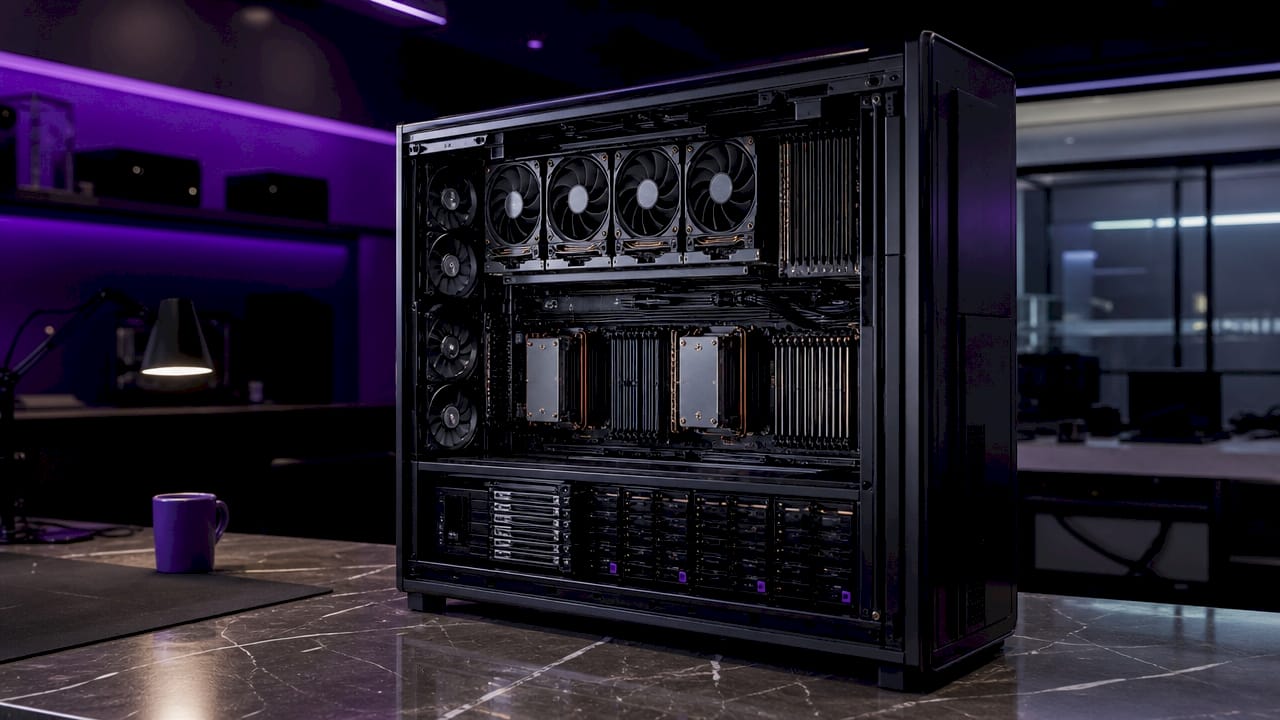
A dedicated AI server is a physical machine allocated exclusively to one organization for running artificial intelligence workloads, including model training, inference, and large-scale data processing. Unlike shared or virtualized environments, it gives you direct, uncontested access to hardware resources: NVIDIA GPUs, high-core-count CPUs, high-bandwidth memory, and NVMe storage. Frameworks like TensorFlow and PyTorch run on this hardware without competing for cycles. The industry term you'll encounter most often is *bare metal GPU server*, and understanding what separates it from a cloud GPU instance is the foundation for every AI infrastructure decision you'll make.
What is a dedicated AI server and why does it matter?
A dedicated AI server is a physical server exclusively allocated to one organization for AI workloads like training and inference, with no virtualization layer between your software and the silicon. That single distinction changes everything about how your models behave in production.
The core resources involved are GPUs, CPUs, RAM, and storage, all reserved for your workloads alone. An NVIDIA A100 or H100 GPU on a dedicated server delivers its full 80 GB of HBM2e memory to your process. On a shared cloud instance, that same GPU may be sliced across multiple tenants, and your effective memory bandwidth drops accordingly.
The practical consequence is this: AI workloads are uniquely sensitive to resource contention. A training job interrupted by memory pressure can corrupt a checkpoint. An inference service that experiences latency spikes fails its service-level objectives. Dedicated hardware eliminates both failure modes at the source.
How dedicated servers outperform shared GPU environments
The performance gap between dedicated and shared GPU environments comes down to one concept: the noisy neighbor effect. Dedicated GPUs eliminate noisy neighbor issues seen in shared environments, stabilizing latency and throughput for production workloads. When another tenant on a shared node runs a memory-intensive job, your inference latency spikes even though your code hasn't changed.
Here is what dedicated AI hosting removes from the equation:
- Virtualization overhead. Bare metal GPUs provide direct hardware access without virtualization layers, giving you full control over CUDA drivers and memory management. Cloud GPU instances introduce an abstraction layer that adds latency and limits tuning.
- Resource contention. CPU cycles, PCIe bandwidth, and memory bus access are yours alone. No other tenant's workload competes with yours.
- Unpredictable throughput. Shared GPU environments introduce latency jitter and failures under contention. Dedicated GPUs provide stable throughput essential for meeting SLOs in both training and inference pipelines.
- Driver restrictions. On virtualized infrastructure, the hypervisor controls driver versions. On bare metal, you install and tune the NVIDIA Container Toolkit to match your exact framework requirements.
The result is a server that behaves the same way at 2 AM on a Tuesday as it does during peak load on a Friday afternoon. For production AI pipelines, that consistency is not a luxury. It is table stakes.
Pro Tip: *When evaluating bare metal versus virtualized GPU setups, request benchmark data for P99 latency under sustained load, not just peak throughput numbers. P99 latency reveals contention behavior that average metrics hide.*
Key hardware and software components of a dedicated AI server
Understanding what sits inside a dedicated AI server helps you evaluate options without being misled by marketing specs. The hardware stack and the software stack are equally important.
Hardware layer
| Component | Role in AI workloads |
|---|---|
| GPU (e.g., NVIDIA A100, RTX 3090) | Primary compute unit for matrix operations in training and inference |
| High-bandwidth memory (HBM2e/GDDR6X) | Feeds the GPU fast enough to avoid memory-bound bottlenecks |
| Multi-core CPU (e.g., AMD EPYC, Intel Xeon) | Handles data preprocessing, tokenization, and orchestration |
| NVMe SSD storage | Loads model weights and datasets fast enough to keep the GPU fed |
| High-speed interconnect (NVLink, InfiniBand) | Enables efficient GPU-to-GPU communication in multi-GPU setups |
GPU-to-GPU communication topology significantly impacts multi-GPU training efficiency, making dedicated servers preferable over virtualized setups for advanced workloads. On a bare metal server, you can inspect and configure NVLink topology directly. On a cloud instance, that topology is abstracted away.
Software stack
The software layer on a dedicated AI server typically includes the NVIDIA Container Toolkit for GPU passthrough into Docker containers, a model-serving framework like vLLM, and an orchestration layer such as Kubernetes or Docker Compose. vLLM offers high-throughput LLM serving with continuous batching and memory-efficient attention, making it the standard choice for dedicated-server inference deployments.
One detail that surprises many IT professionals: choosing a dedicated AI server involves more than GPU access. It requires predictable end-to-end system behavior, including driver and memory management, for high-throughput AI serving. A misconfigured CUDA driver version can cut your throughput in half even on the best hardware.
Practical applications and deployment workflows
Dedicated AI servers support three primary deployment patterns, each with distinct architecture requirements.
- Real-time API inference. You run a model server like vLLM behind an NGINX reverse proxy, expose an OpenAI-compatible endpoint, and enforce rate limiting and API key authentication at the proxy layer. Production deployments use Docker-based packaging with operational monitoring to maintain reliability. The dedicated server guarantees that your inference latency stays within bounds regardless of request volume.
- Private large language model hosting. Organizations with data privacy requirements, such as healthcare providers or legal firms, run models like Llama 3 or Mistral entirely on their own hardware. No data leaves the server. This is architecturally impossible on shared cloud GPU instances where the underlying infrastructure is managed by a third party.
- Batch training jobs. Fine-tuning a model on a proprietary dataset requires sustained GPU utilization over hours or days. Dedicated hardware lets you run these jobs without worrying about preemption, spot instance termination, or cost spikes from variable billing. Fixed monthly cost makes dedicated GPU hosting predictable for 24/7 production pipelines, which is a meaningful operational advantage when budgeting for AI infrastructure.
Security controls on dedicated servers follow a layered model: firewall rules at the network edge, API key validation at the proxy, and container isolation at the application layer. Operational monitoring with tools like Prometheus and Grafana rounds out the stack.
Pro Tip: *Concurrency management is the most common failure point in dedicated inference deployments. Validate your serving stack under realistic concurrent request loads before going to production. A server that handles 10 sequential requests cleanly can still fail under 50 concurrent ones if your batching configuration is wrong.*
Dedicated AI server vs. cloud GPU vs. virtualized server
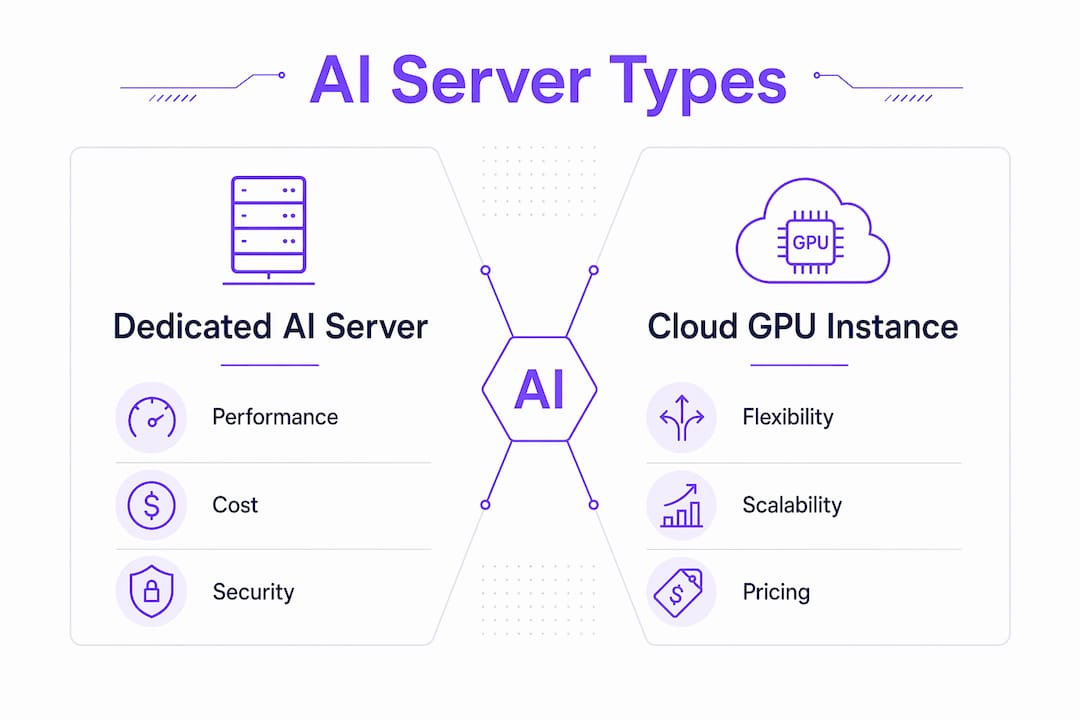
Choosing between hosting models requires an honest comparison across four dimensions: performance, cost, security, and scalability.
| Feature | Dedicated AI server | Cloud GPU instance | Virtualized server |
|---|---|---|---|
| GPU access | Direct, bare metal | Virtualized, shared pool | Virtualized, limited GPU support |
| Latency predictability | High, no contention | Variable, noisy neighbor risk | Low, heavy overhead |
| Cost model | Fixed monthly | Pay-per-hour or per-token | Fixed, but lower GPU specs |
| Data isolation | Full physical isolation | Logical isolation only | Logical isolation only |
| Driver/CUDA control | Full control | Limited by provider | Minimal |
| Deployment time | Hours to days | Minutes | Minutes |
| Best for | Production AI, private LLMs | Burst workloads, experimentation | Light AI tasks, dev environments |
Dedicated hosting reserves all physical resources for a single tenant, avoiding noisy neighbor effects and increasing privacy. This matters most when you are running models that process sensitive data or when your SLO requires sub-100ms inference latency.
Cloud GPU instances win on flexibility. If you are prototyping a new model or running a workload that peaks for two hours a week, paying per hour makes sense. The cost efficiency of predictable infrastructure becomes apparent only when your workload runs continuously. At roughly 720 hours per month, a fixed-price dedicated server almost always beats per-hour cloud billing for always-on AI services.
The scalability argument for cloud is real but often overstated for AI workloads. Horizontal scaling of stateful inference services is complex regardless of where the hardware lives. Most production teams scale vertically first, adding more GPU memory or a second GPU to the dedicated server, before distributing inference across nodes.
Key takeaways
A dedicated AI server delivers consistent, hardware-level performance isolation that shared cloud GPU instances cannot replicate, making it the correct choice for production inference, private LLM hosting, and long-running training jobs.
| Point | Details |
|---|---|
| Hardware-level isolation | Dedicated servers give you full GPU, CPU, and memory access with no virtualization overhead. |
| Noisy neighbor elimination | Exclusive resource allocation removes latency jitter caused by competing tenants. |
| Fixed cost advantage | Monthly pricing beats per-hour cloud billing for workloads running more than a few hours daily. |
| Software stack control | Bare metal access lets you tune CUDA drivers, memory management, and serving frameworks precisely. |
| Security and data privacy | Physical isolation makes dedicated servers the only viable option for sensitive AI workloads. |
Why I think most teams choose the wrong infrastructure first
I have watched teams spin up cloud GPU instances for their first production AI deployment, hit latency variance issues within a week, and then spend two months debugging what was never a code problem. The hardware was the problem. Shared GPU environments are excellent for experimentation. They are a poor foundation for anything with an SLA attached to it.
The insight that changed how I think about this: stable latency and zero contention directly impact the reliability of long-running AI jobs. This is not a theoretical concern. I have seen a fine-tuning run fail at hour 47 of 48 because a noisy neighbor triggered an out-of-memory error on a shared node. That kind of failure is not recoverable without restarting from the last checkpoint, and checkpointing adds its own overhead.
My practical recommendation for teams scaling AI workloads is to start on dedicated hardware from the moment you have a workload that runs more than eight hours a day. The fixed cost is predictable, the debugging surface is smaller, and the performance profile is stable. Cloud GPU instances belong in your CI/CD pipeline and your experimentation workflow, not in your production inference stack. If you are dealing with AI setup errors that seem random and unreproducible, the first thing I check is whether the hardware is shared.
One more thing worth saying directly: dedicated does not mean maintenance-free. Concurrency tuning, driver updates, and memory management within your serving stack still require attention. The hardware gives you a stable foundation. What you build on it still needs to be validated under realistic load.
> *— Iosif Peterfi*
Run your AI agent on dedicated infrastructure with Clawbase

Clawbase takes the complexity out of running an AI agent on dedicated hardware. With one-click deployment starting at $16/mo, you get a private, always-on OpenClaw instance running on reliable dedicated infrastructure with 99.9% uptime, no maintenance overhead, and access to over 50 AI models. You do not need sysadmin expertise to get the performance benefits described in this article. Clawbase handles driver configuration, memory management, and uptime so you can focus on what the agent actually does. Explore the full range of AI agent use cases or check current pricing plans to find the right fit for your workload.
FAQ
What is a dedicated AI server in simple terms?
A dedicated AI server is a physical machine reserved entirely for one organization's AI workloads, with no shared resources or virtualization layers. It provides direct access to GPUs, CPUs, and memory for consistent, high-performance model training and inference.
How does a dedicated AI server differ from a cloud GPU instance?
A dedicated server gives you bare metal access with fixed monthly pricing and full hardware isolation, while a cloud GPU instance is virtualized, shared across tenants, and billed per hour. Dedicated servers deliver lower and more predictable latency for production AI workloads.
What hardware does a dedicated AI server typically include?
Most dedicated AI servers include high-performance GPUs such as the NVIDIA A100 or RTX 3090, a multi-core CPU like AMD EPYC or Intel Xeon, NVMe SSD storage, and high-bandwidth memory. Multi-GPU configurations also rely on NVLink or InfiniBand for efficient GPU-to-GPU communication.
When should I choose a dedicated server over cloud GPUs for AI?
Choose a dedicated server when your AI workload runs continuously, requires stable latency for production inference, or involves sensitive data that cannot leave your infrastructure. Cloud GPU instances are better suited for short-duration experiments and burst workloads.
What software stack runs on a dedicated AI server?
A typical stack includes the NVIDIA Container Toolkit for GPU access inside Docker containers, a model-serving framework like vLLM for LLM inference, and a reverse proxy such as NGINX for API management and rate limiting. Orchestration tools like Kubernetes or Docker Compose handle container lifecycle management.