CRM Updates With AI: What to Automate and How to Start
2026-11-21

AI can keep your CRM current by turning calls, emails and meetings into notes, field changes and follow-up tasks. It works best when it fills low-risk fields on its own and sends judgment calls to a person for approval. We recommend running that routine through a private, always-on assistant that you control, so the updates happen after every conversation and not in a Friday-afternoon cleanup. Below: what AI can update, what it should never update alone, a six-step setup you can run in a week, and how to check the results.
TL;DR
- AI is reliable for low-risk fields (job title, company size, industry) and for logging notes, but deal stage, budget and next steps should stay behind a human approval.
- The best workflow has one trigger, one action and a review step. Start with a single use case such as post-call notes, not a full overhaul.
- Bad data limits AI. Teamgate's 2026 report says 76% of CRM users admit less than half of their CRM data is accurate and complete, so audit before you automate.
- A managed, always-on OpenClaw assistant from ClawBase removes the server work, so you can spend your time on the workflow rather than the hosting. Plans start at $16 per month, with a 7-day free trial on the entry plan.
Table of Contents
- What "CRM updates with AI" actually means
- Which CRM fields AI can update on its own
- Turning calls and emails into clean CRM notes
- Everyday tasks worth automating first
- Why clean data comes before AI
- Set it up in six steps, without engineering work
- How to check AI updates for accuracy and protect customer data
- Where an always-on private assistant fits
- Why we think managed beats doing it alone
- Get a private OpenClaw assistant running today
- FAQ
- Sources
What "CRM updates with AI" actually means
A CRM (customer relationship management system) is the database where you keep contacts, companies, deals and the history of every conversation. Most CRMs fall out of date for a boring reason: updating them is manual work that nobody wants to do right after a call.
AI changes that in three ways:
- Enrichment. The AI fills blank fields, such as job title or company size, using data it can verify.
- Capture. The AI reads a call transcript, email thread or meeting and writes the note, the next step and a follow-up task.
- Hygiene. The AI scans for duplicates, inconsistent formats and stale records.
The common thread is that AI does the typing and a person keeps the authority. That matters because the same research that shows AI saving time also shows where it goes wrong, which we cover below.
Which CRM fields AI can update on its own
Not every field carries the same risk. A wrong job title is an annoyance. A wrong deal stage corrupts your forecast. A practical rule, laid out in Apollo's field policy, is that AI should auto-fill low-risk, well-evidenced fields when they are blank, route judgment-heavy fields to a rep or manager, and abstain when the evidence is thin.
Here is that rule as a working table.
| Field type | Examples | AI can write alone? |
|---|---|---|
| Descriptive, verifiable | Job title, seniority, company size, industry, location | Yes, when the field is blank and the evidence is clear |
| Activity records | Call notes, meeting summaries, linked emails | Yes, with a visible source |
| Judgment fields | Next steps, budget, authority, need, timeline | Propose only, a person approves |
| Pipeline fields | Deal stage, close date, forecast category | Propose only, a person approves |
| Verified values | Anything a rep has already confirmed | Never overwrite |
What the big CRM platforms do
The platforms' own documentation shows the same split. Microsoft's Dynamics 365 data enrichment agent analyzes CRM notes every five minutes, and Outlook emails and Teams meetings every six hours. It suggests or automatically updates fields such as estimated close date and budget amount on opportunities and leads, and sellers can review and revert automatic changes.
The same page explains that behavior varies by record type. Opportunities and leads get full field-update suggestions. Contacts get partial enrichment of five out-of-the-box fields, and only when the contact is an email sender or meeting organizer. Accounts get no field enrichment, only activity linking. If your CRM has a built-in AI feature, check which record types it covers before you assume it does everything.
HubSpot's guide to reducing manual CRM work says its enrichment layer populates more than 40 contact and company properties, including industry, company size, annual revenue, location and job title, drawing on a commercial dataset, third-party providers and public data.

Turning calls and emails into clean CRM notes
The highest-value use for most people is the post-call update. You finish a conversation, and the CRM should hold an accurate note, a next step with an owner and a date, any field changes and a follow-up task.
A useful pattern comes from Metacto's call summary guide: the workflow shows the rep a proposed update right after the call, and the rep approves or edits it. A good version also separates what the customer said from what the rep inferred, so a hunch never gets stored as a fact.
Why approval right after the call? Because your memory is fresh. Checking a proposal takes seconds. Reconstructing a call from a recording a week later takes much longer, and that delay is how CRMs go stale in the first place.
A proposal format that works
Whatever tool produces it, ask for the same structure every time:
- Call note: three to five sentences, facts only.
- Next step: one action, one owner, one date.
- Field changes: each listed as old value, new value and the sentence that supports it.
- Follow-up task or email draft: ready to send or edit.
The supporting sentence is the part that makes review quick. If the AI cannot point to what was said, the change does not go in.
Everyday tasks worth automating first
You do not need to automate everything. HubSpot's guide names three starting workflows that are easy to define and easy to check:
- Post-meeting follow-up: once a meeting is logged, enroll the contact in a sequence and create a task.
- New-lead enrichment: when a form is submitted, enrich the record before it is routed to a rep.
- Stale-deal alerts: when an open deal has no logged activity for 14 days, create a task and send a notification.
CodeSolTech's workflow guide lists seven workflow types in all: lead scoring and routing, call and meeting summary logging, automatic deal-stage updates, follow-up drafting, data enrichment and deduplication, stalled-deal detection and post-sale handoff. If you are starting out, pick the first three above. They touch low-risk data and give a visible time saving quickly.
Why clean data comes before AI
AI cannot fix a CRM nobody trusts. Teamgate's State of CRM 2026 article reports that 37% of CRM users say poor data quality caused revenue loss, and 76% say less than half of their CRM data is accurate and complete. It also reports that 70% of companies already use AI in their CRM.
The practical consequence: before you switch anything on, spend an afternoon on three jobs.
- Standardize the fields the AI will touch. Owner, stage, source, industry and deal value should use one consistent set of values, a step also recommended in CodeSolTech's build process.
- Merge obvious duplicates. Apollo's guide warns that entity-matching errors, where the AI attaches information to the wrong person or company, cause the worst corruption.
- Decide which fields are protected. Anything a rep has verified should be off limits for overwriting.
If you are also planning wider automation around your pipeline, this marketing automation checklist is a handy companion for sequencing the rollout.
Set it up in six steps, without engineering work
You do not need a developer to start. You need a clear goal, a small test and a review habit. Combining the approaches from HubSpot's workflow automation guide, CodeSolTech and Apollo, a safe routine looks like this.
Step 1: Pick one workflow
Choose the single most annoying manual update. For most people it is post-call notes. HubSpot's guidance is to build one high-impact workflow end to end rather than many half-finished ones.
Where it goes wrong: starting with deal-stage changes. They are the riskiest field and the hardest to reverse quietly.
Step 2: Describe the goal in plain language
Write the rule the way you would explain it to a new assistant. HubSpot's example is a request like: when someone requests a demo, route it to the right rep by region and industry, send a confirmation and create a task if no meeting is booked in three days. The tool proposes triggers and actions, which you then refine.
Where it goes wrong: vague instructions. "Keep my CRM updated" has no trigger, no field list and no stopping rule.
Step 3: Define one trigger and one action
A trigger is the event that starts the work, such as a call ending. The action is what happens, such as drafting a note. Keep it to one of each for the pilot.
Step 4: Set a confidence threshold and a review step
Tell the AI to write alone only when evidence is strong, to propose when it is moderately sure, and to abstain otherwise. Anything consequential goes to a person.
Step 5: Test on real records
Run the workflow on a small sample first. CodeSolTech suggests the last 20 live records. Compare what the AI proposed with what you would have written.
Step 6: Log, monitor and be ready to roll back
Keep a record of every change with its source, and check the first runs closely. Apollo's seven-step version of this routine ends with logging and rollback for exactly this reason: if a bad update lands, you can undo it.

How to check AI updates for accuracy and protect customer data
This is the part most guides skip, and it is where trust is won or lost. The case for care is concrete. A Salesforce study reported by CIO tested nine models across 4,280 queries and found a 58% success rate on single-step CRM tasks but only 35% on multi-step workflows. Its authors recommend human supervision and layered privacy controls for sensitive or multi-step processes.
Two guardrails from HubSpot's guide are easy to adopt: configure enrichment to write only to empty fields, not over verified values, and limit who can change enrichment settings so changes can be audited.
For a staged rollout, Gangly's governed implementation guide suggests moving through read-only extraction, an approval preview, sandbox or shadow-field writes and a limited canary group, and expanding only after the checks pass. For a small team, a simplified version is enough:
- Week 1: the AI only reads and proposes. Nothing is written.
- Week 2: it writes low-risk fields and you approve the rest.
- Week 3 onward: widen scope one field at a time.
Score the pilot, not the volume
Apollo's RevOps guidance recommends a scorecard built on verified accuracy, relevant-field coverage, incorrect overwrites, review time and downstream usefulness in routing, segmentation or forecasting. A tool that updates 500 fields with 20 wrong ones is worse than one that updates 100 with none.
On privacy, a CRM holds personal data about your customers. Know where the AI runs, who can see the data and what it can write. Keep sensitive fields out of scope until the pilot proves the workflow safe.
Where an always-on private assistant fits
Built-in CRM AI is convenient, but it stays inside one product. Your real work crosses tools: a call, a Slack thread, a WhatsApp message, a file, a calendar. The follow-up often lives in none of them until someone types it up.
That gap is where a personal AI assistant that is always running earns its place. OpenClaw is an open-source personal AI assistant that can automate workflows and manage files, and it connects to chat platforms such as Telegram, Discord, Slack and WhatsApp. It has persistent memory, so it remembers context between conversations instead of starting cold each time. Running it yourself, though, means setting up and maintaining a server, which is a sysadmin job.
If you want the routine in this article, propose, review, log, to be something you can run from the chat apps you already use, a managed assistant removes that obstacle. For ideas on what an always-on agent can take on, see our guides to always-on AI assistant use cases and to reducing manual work with AI agents. If you are designing the logic yourself, our AI workflow automation guide covers triggers and actions in more depth, and the notification automation explainer helps with stale-deal style alerts. Before you automate, it is also worth reading the common automation mistakes we see professionals make.
Why we think managed beats doing it alone
> We started from a simple observation: most people who want an AI agent do not want a second job as a server administrator. The tool is powerful. The setup is the barrier.
>
> When we think about CRM upkeep, the same logic applies. The valuable part is the routine: a trigger, a proposed update, a quick human check, a clean record. A routine only works if the assistant behind it is available every time a conversation ends. That is why we built ClawBase around a dedicated, always-on server for each user, with persistent memory so the assistant carries context from one conversation to the next.
>
> Memory is the piece we care about most. An assistant that forgets yesterday's call cannot write a useful note about today's. Pair memory with access to over 50 AI models and you can choose the model that suits the job. Add encrypted dedicated servers and daily encrypted backups, and the assistant is private to you and recoverable.
>
> Our advice is to start small, keep a person in the loop for anything that affects a forecast, and let the assistant take the repetitive part. That is how we think non-technical users and developers alike get value from AI without the maintenance.
>
> *Iosif Peterfi*
Get a private OpenClaw assistant running today
ClawBase hosts OpenClaw for you with one-click deployment on a dedicated, encrypted cloud server, 99.9% uptime, persistent memory, over 50 supported AI models, browser relay integration and connections to Telegram, Discord, Slack and WhatsApp. There is nothing to install or maintain on your side.
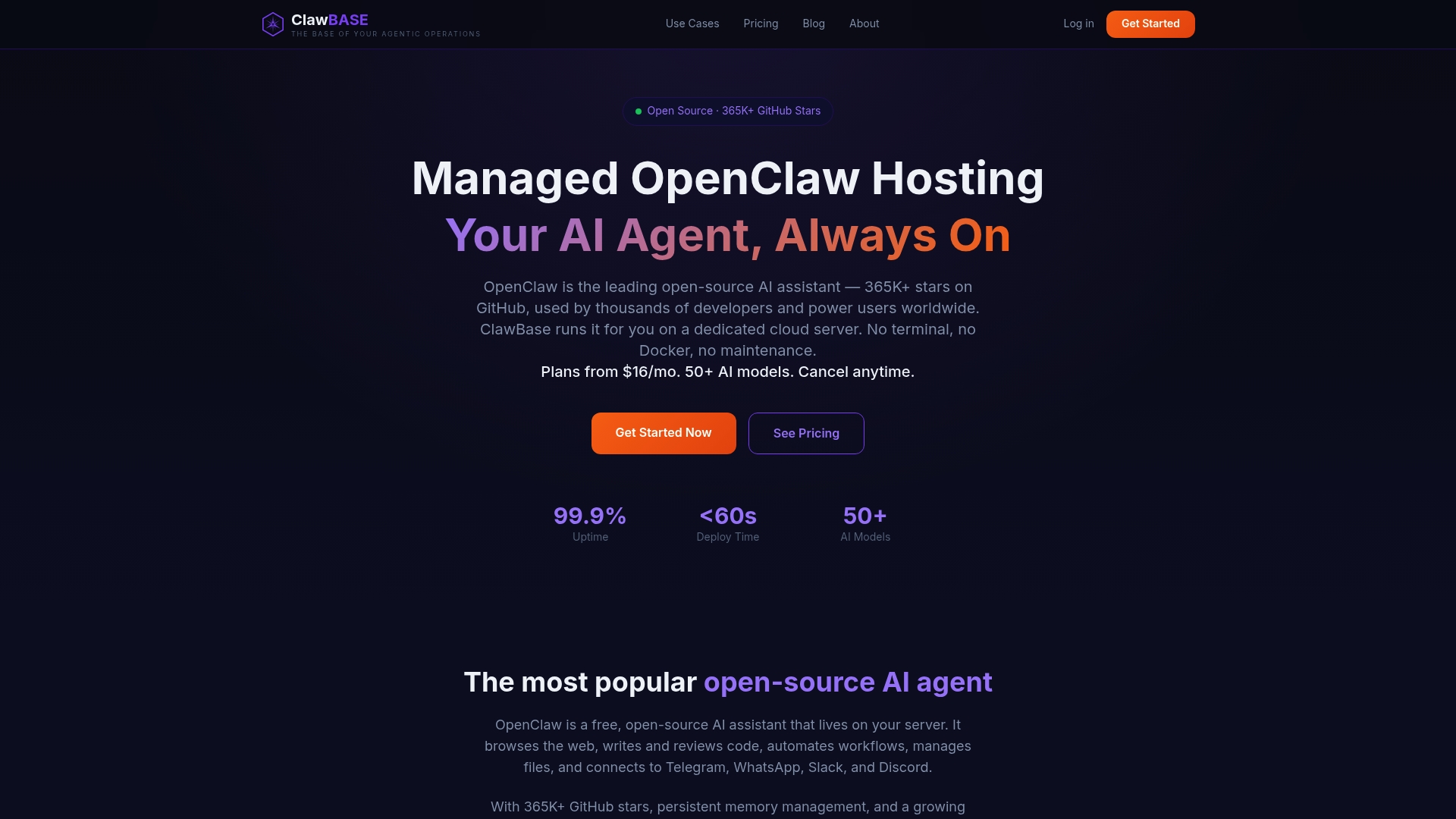
Plans on the pricing page are LITE at $16 per month or $199 per year, PRO at $33 per month or $399 per year, and MAX at $66 per month or $799 per year. The entry plan includes a 7-day free trial, and you can pay by credit card or cryptocurrency. See the OpenClaw use cases for what an agent can do, or start from the ClawBase home page.
FAQ
Can AI update my CRM automatically without anyone checking?
It can for low-risk fields such as job title, company size or industry, when the field is blank and the evidence is clear. For next steps, budget and deal stage, keep a person approving the change. The Salesforce study reported by CIO found agents succeeded on only 35% of multi-step CRM workflows, which is why supervision is recommended.
What should I automate first?
Start with post-call or post-meeting notes, new-lead enrichment or stale-deal alerts. They are easy to define, they touch low-risk data and you can see the time saved within days. Add one workflow at a time.
Do I need to be technical to set up AI CRM automation?
No. Many platforms let you describe the goal in plain language and then propose the triggers and actions for you to refine. What you do need is a clear rule, a test on a small sample and a habit of reviewing the first runs. A managed assistant also removes the server setup.
How do I stop AI from overwriting good data?
Configure it to write only to empty fields, protect any value a rep has verified, log every change with its source and keep a rollback option. Restrict who can change the automation settings so every change can be audited.
Sources
- AI-powered Data Enrichment for Contact, Opportunity, Lead (Microsoft Learn)
- How Does AI Update Missing CRM Fields? (Apollo)
- How AI reduces CRM manual work across every team (HubSpot)
- Quick Guide: Automate Marketing, Sales, and Service (HubSpot)
- AI Call Summaries That Actually Update the CRM (Metacto)
- AI CRM Automation Workflows: 7 Types, Setup and Metrics (CodeSolTech)
- State of CRM in 2026 (Teamgate)
- Salesforce study warns against rushing LLMs into CRM workflows (CIO)
- AI CRM Automation: A Governed Implementation Guide (Gangly)
- Marketing Automation Checklist: Step-by-Step Guide for SMBs