Top 5 Gallifrey.ai Alternatives for 2026
2026-06-25
Finding a hosted open-source AI assistant that balances privacy, model variety, and ease of deployment is harder than it should be. Many platforms either demand steep enterprise contracts, lack clear pricing, or require technical setup that blocks nontechnical teams. This comparison covers model support, deployment time, and maintenance so you can pick a Gallifrey.ai alternative that matches your team's skills and privacy needs.
Table of Contents
ClawBase
At a Glance
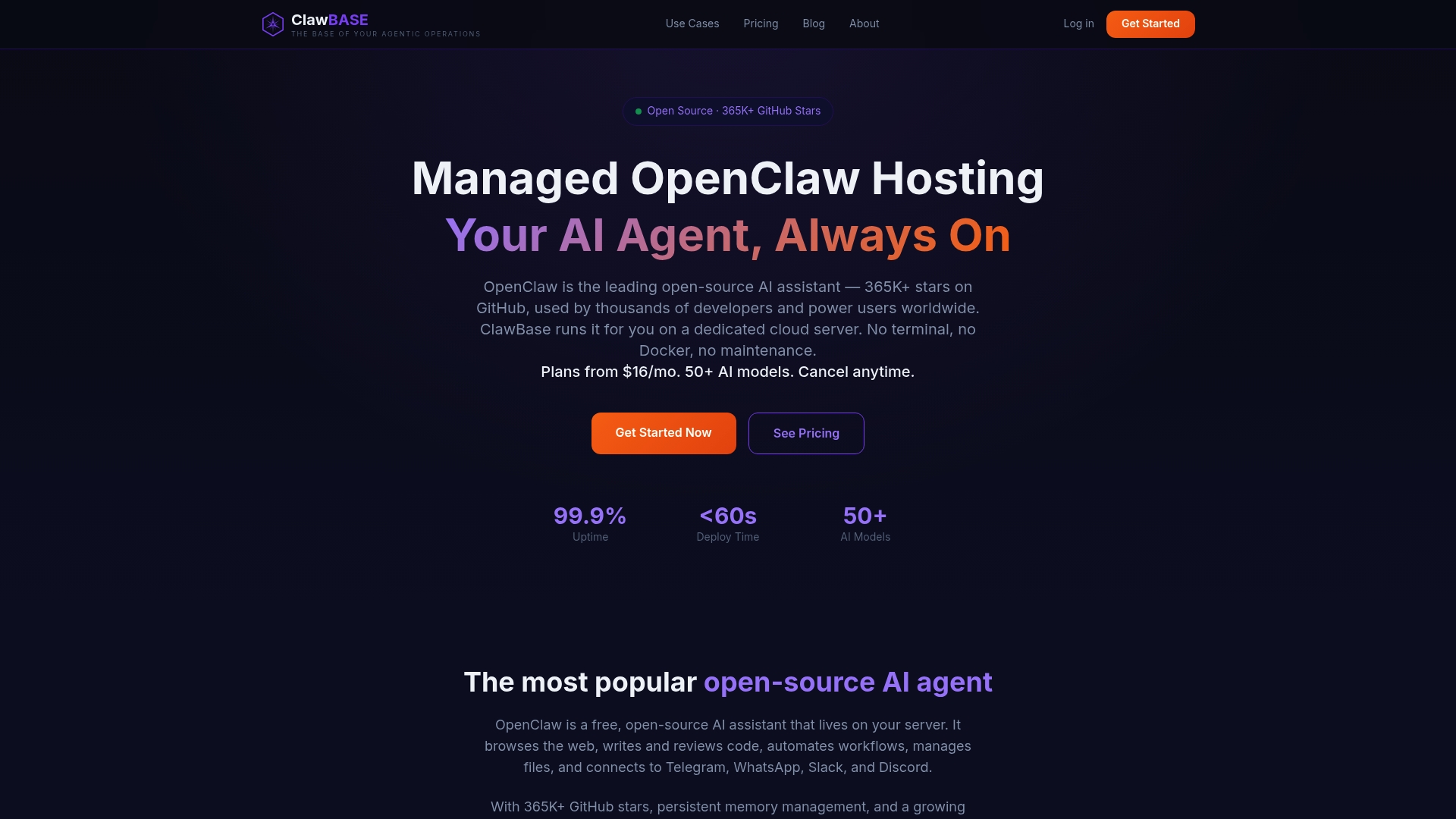
Plans start from $16/month, billed annually at $199 for the Lite plan. ClawBase delivers dedicated, fully configured OpenClaw instances without requiring Docker or server administration. The service includes persistent memory, daily backups, and managed updates for private, always on agents.
Core Features
ClawBase provides managed hosting for OpenClaw with dedicated instances and automatic setup so you skip server provisioning. The platform supports multi model routing and a ClawHub marketplace of pre built skillsets, while backups and encrypted access protect data. ClawBase's marketing materials state 99.9% uptime and access to over 50 AI models, which indicates the vendor emphasizes availability and model variety.
Key Differentiator
The single differentiator is the fully managed, private OpenClaw instance running on a dedicated server with one click deployment and persistent context. That persistent memory support keeps conversational state across sessions. The combination of isolated instances, model routing, and marketplace skillsets separates this from shared hosted assistants.
Pros
No technical setup. You provide API keys and the dashboard handles deployment, updates, and scaling so you do not manage Docker or servers. Dedicated instances improve privacy compared with shared cloud agents, while daily backups and encrypted access reduce operational risk. Support for many models and pre built skillsets accelerates prototyping and production use for individuals and small teams.
Cons
- Requires a cloud VPS for initial setup if you do not opt for managed hosting.
Notable Integrations
ClawBase integrates directly with messaging platforms you likely use: Telegram, WhatsApp, and Discord. These connectors let agents receive messages and respond without building custom webhooks.
Who It's For
Individuals and small teams who want a private, easy to deploy personal AI assistant without server administration skills will get the most value. Developers who need a dedicated instance for code review or DevOps tasks will also benefit. Business users who want automated emails, content generation, or workflow automation fit this offering.
Unique Value Proposition
One click deployment of a private OpenClaw instance on a dedicated server removes the operational overhead of self hosting while keeping data isolated. That delivery model gives you a persistent agent ready to run custom skillsets, accept messaging platform connections, and receive automatic updates and backups. The result is a private, low maintenance agent you can tailor without hiring a sysadmin.
Real World Use Case
A developer deploys a dedicated ClawBase instance and connects it to GitHub and Slack for code review automation. The agent holds repository context in persistent memory and runs model routed tasks for linting, pull request summaries, and test suggestions. That setup saves the developer repeated context building and reduces manual review time.
Pricing
Pricing starts at $16/month for the Lite plan when billed annually at $199. Higher tiers are available for power users and heavy workloads and include priority support and scaling options. The vendor lists managed hosting and backups as part of paid plans.
Website: https://clawbase.to
Glean
At a Glance
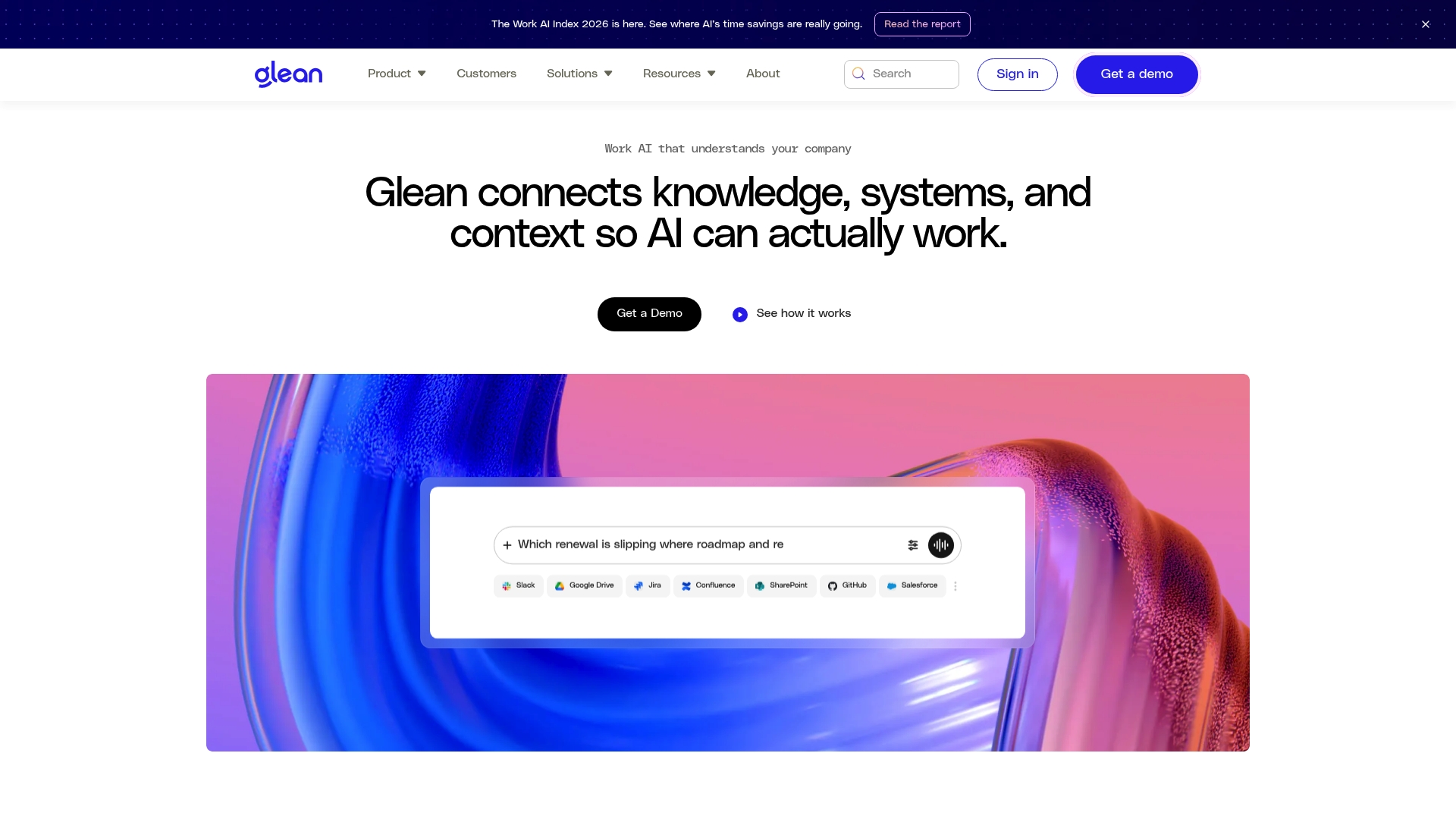
Glean counts Booking.com, Zillow, Ericsson, and GCash among its enterprise customers. The platform connects knowledge across collaboration tools, code repos, and business systems to surface answers inside workflows. According to the company, it advertises compliance with ISO 42001, HIPAA, SOC 2, ISO 27001, and GDPR. That mix of customers and compliance claims targets organizations that demand both scale and governance.
Core Features
Glean combines search, automation, and agent capabilities to make internal knowledge discoverable across Slack, Google Drive, Jira, Confluence, SharePoint, GitHub, and Salesforce. It builds context with enterprise and personal graphs so responses reflect permissions and organizational structure. Open APIs and a web SDK enable custom data ingestion and integrations for teams that need to extend the platform.
Key Differentiator
Glean emphasizes support for multiple models while natively integrating with standard enterprise tools. That combination lets companies run different LLMs against the same knowledge graph and keep access controls in place. The product therefore targets organizations that need governed AI across many data sources and model choices.
Pros
The product shows clear enterprise alignment, with client references that indicate deployment at scale in complex environments. Its security and compliance focus helps reduce internal risk for regulated teams and large companies. Built-in connectors and open APIs let engineering teams adapt the platform to existing workflows rather than rebuilding data pipelines.
Cons
- Limited independent customer feedback available. Prospective buyers will want third-party validation before committing.
- Pricing is not publicly disclosed, which creates uncertainty for smaller procurement teams evaluating total cost of ownership.
- Deployment can be complex for organizations without an enterprise IT or cloud architecture team.
When It May Not Fit
Small teams without dedicated infrastructure or an IT operations group will likely find the platform overpowered and costly. Buyers who require transparent, self-serve pricing may struggle to evaluate fit given the lack of public figures. Organizations that need a lightweight, plug-and-play assistant for a single tool will probably prefer a simpler point solution.
Notable Integrations
Glean connects directly to Slack, Google Drive, Jira, Confluence, SharePoint, GitHub, and Salesforce. These integrations allow permission-aware search and automated workflows across common enterprise systems. The platform exposes APIs for custom connectors when an out-of-the-box link is not available.
Who It's For
Large enterprises with complex knowledge systems and strict access controls are the primary audience. Security, compliance, and the ability to run multiple models across corporate data make it a fit for regulated industries. Teams that plan to scale AI across many departments will gain the most from its integration and governance features.
Real World Use Case
Booking.com uses the platform to scale AI across 14,000 employees to speed answers and automate workflows. Zillow applies it to onboarding and internal knowledge sharing. TIME archived a century of content into a searchable knowledge layer so staff can query historical materials.
Pricing
Pricing is not publicly listed and appears to follow an enterprise sales model. Expect negotiation based on data connectors, users, and deployment scope. Smaller buyers should budget for implementation and operational support when estimating total cost.
Website: https://glean.com
Agntable
At a Glance
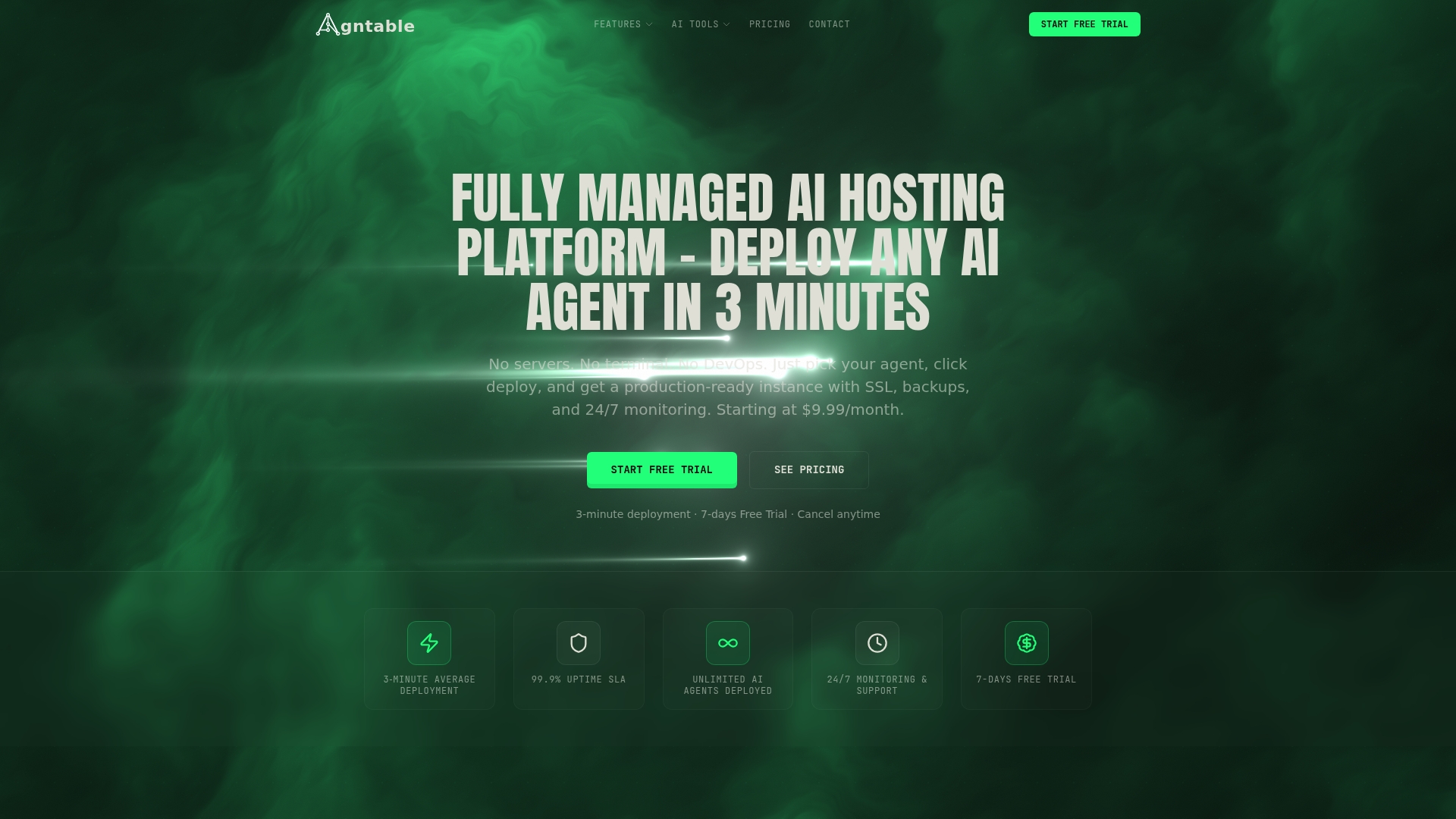
Agntable's marketing materials state a 99.9% uptime SLA while it handles updates, security, backups, and scaling for hosted agents. That combination lets nontechnical teams launch open source AI agents without hiring DevOps. Pricing starts at $9.99 per month with a short free trial.
Core Features
Agntable offers one click deployment for popular open source agents and manages lifecycle tasks such as automatic SSL, patching, and auto updates. The platform performs daily backups with point in time recovery and provides one click scaling of CPU and RAM without downtime. Admins get 24 7 monitoring and enterprise grade security and compliance controls bundled with the service.
Key Differentiator
The single defining feature is fully managed, production ready agent instances that deploy from a dashboard without server access or DevOps work. That model moves routine infrastructure tasks off team plates while preserving control over which open source agents run. For teams that want fast, consistent launches, this delivery model reduces operational overhead and shortens time to experimentation.
Pros
Agntable makes deployment fast and accessible, removing the usual server setup steps that slow down pilots. Managed infrastructure cuts the operational burden by handling patches, SSL, backups, and updates, which helps small teams maintain reliable agents. Transparent flat rate pricing simplifies budgeting and avoids usage surprises when you scale resource allocations. Support for multiple popular open source agents lets teams standardize on one hosted environment while testing different agent projects.
Cons
- Requires an ongoing subscription, which may be costly for solo developers or hobby projects.
- Limited to the agents and integrations the platform supports, so highly custom stacks may not fit.
- Dependency on the platform for uptime and maintenance introduces vendor lock for production workflows.
When It May Not Fit
Agntable may not fit teams that need custom hardware choices or bespoke network architectures. Organizations with strict on premises requirements will find the managed hosting model constraining. Projects that require unsupported agents or deep kernel level customization will need a self hosted or bespoke infrastructure approach instead.
Who It's For
Agntable serves businesses, startups, and developer teams that want to deploy and manage open source AI agents without server management. It fits groups with limited DevOps headcount that still require enterprise grade security and predictable costs. It also suits product teams that run multiple agents and prefer a single managed control plane.
Real World Use Case
A marketing team used Agntable to deploy n8n for automation and OpenWebUI for customer demos. The platform handled SSL, backups, and scaling while the team focused on building automation workflows. Ops time dropped because the vendor handled routine maintenance and priority support on higher plans.
Pricing
Plans start at $9.99 per month with a 7 day free trial and scale to $24.99 and $49.99 for higher tiers that add resources and priority support. The vendor advertises flat rate pricing with no hidden fees, which makes cost forecasting straightforward for growing teams.
Website: https://agntable.com
KaraX
At a Glance
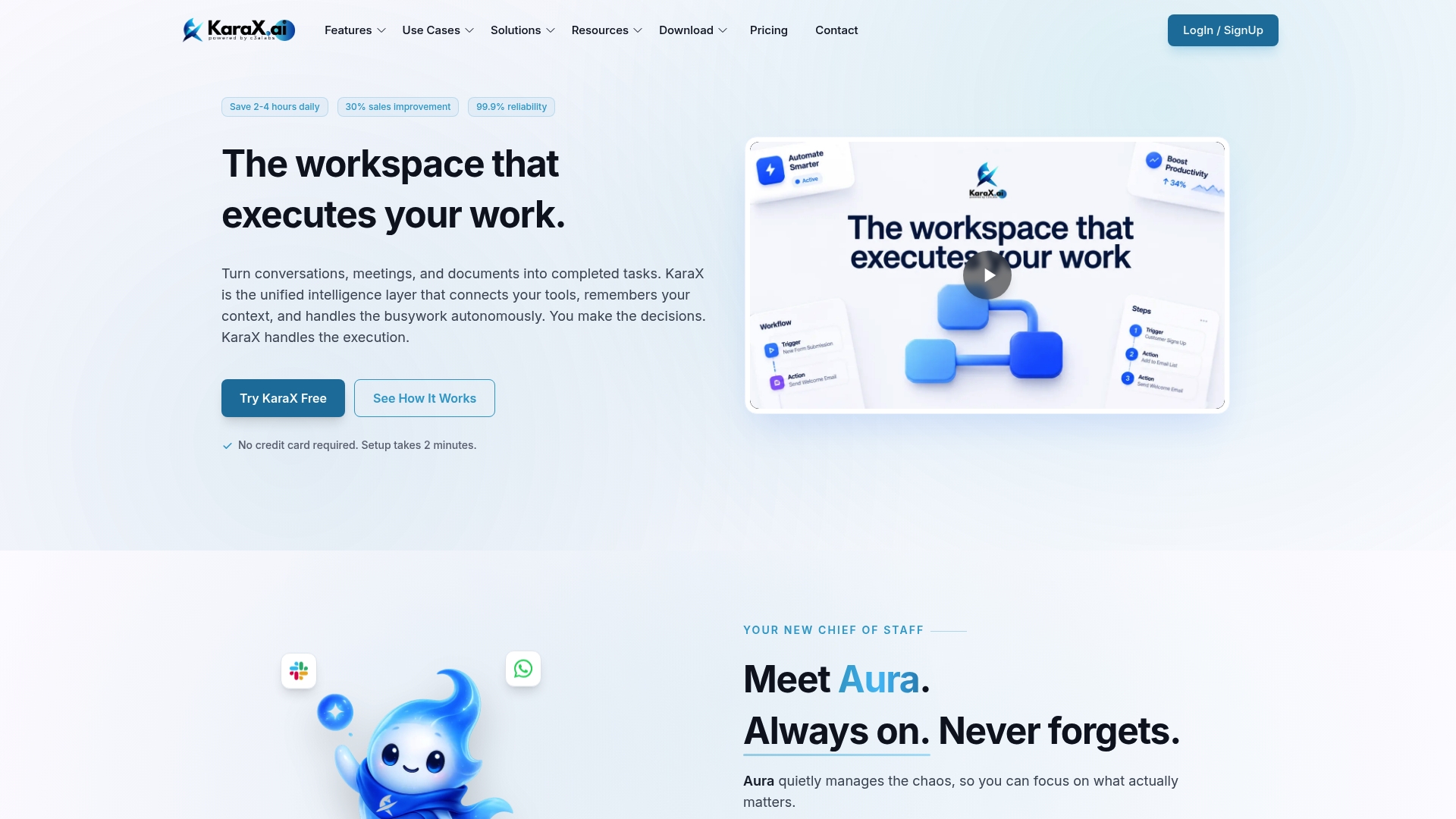
KaraX reports integration with over 1,000 apps. That integration breadth lets the workspace pull messages, calendar events, and documents into one interface. The product pairs multi model AI chat with live meeting transcription and automated action item capture. The vendor states setup requires no IT overhead for most teams.
Core Features
KaraX runs a Multi-Model AI engine that supports models such as Gemini 3 and Flash and delivers a single chat interface for task execution. It captures live meeting audio, produces real time transcripts and summaries, and extracts action items and decisions. Built workflow automation moves tasks between apps so follow up work triggers automatically.
Key Differentiator
KaraX combines multi model AI, real time meeting intelligence, and a wide integration catalog into a single workspace with zero setup time. That combination centers both conversation and execution in one interface. Teams can start meetings, capture outcomes, and push tasks to other tools without manual handoffs.
Pros
KaraX connects many common productivity systems so teams spend less time copying notes between apps. The live transcription and auto summaries reduce manual meeting work and cut time spent writing follow up messages. Flexible pricing includes a Free starter tier and paid plans for individual professionals and growing teams, which lowers the entry barrier for testing automations.
Cons
- Dependence on third party APIs may cause interruptions if an external provider changes its interface or rate limits.
- Enterprise controls and on prem deployment are available only through custom plans, which may not suit security sensitive organizations.
- Complex automations require time to design and test, so teams should budget setup time for advanced flows.
When It May Not Fit
If your organization cannot rely on external API stability, KaraX will require contingency plans for outages. If strict on prem deployment and granular enterprise controls are mandatory out of the box, the custom plan requirement could be a blocker. Organizations that need instant offline operation will find the platform less suitable.
Notable Integrations
KaraX lists native connectors for common productivity and CRM systems. Primary integrations include:
- Gmail
- Google Calendar
- Google Docs
- Google Drive
- Notion
- Slack
- Salesforce
- HubSpot
Who It's For
KaraX fits teams and solo professionals who manage multiple tools daily and who want meetings to produce concrete tasks. Sales, marketing, product, and project teams will find the meeting capture and CRM automation useful. Individuals who prefer a single chat interface to trigger cross app workflows will see the most benefit.
Real World Use Case
A sales team records a customer call inside the platform. KaraX creates a transcript, extracts action items, and auto generates a follow up email draft. It then posts the updated opportunity to the CRM and creates a task in the project board to complete the requested deliverable.
Pricing
KaraX offers a free starter plan for basic use. Paid plans include Pro at $14.99 per month billed annually and Business at $39.99 per month. Enterprise pricing is customized for large deployments and added controls.
Website: https://karax.ai
Companion AI by Aios Companion
At a Glance
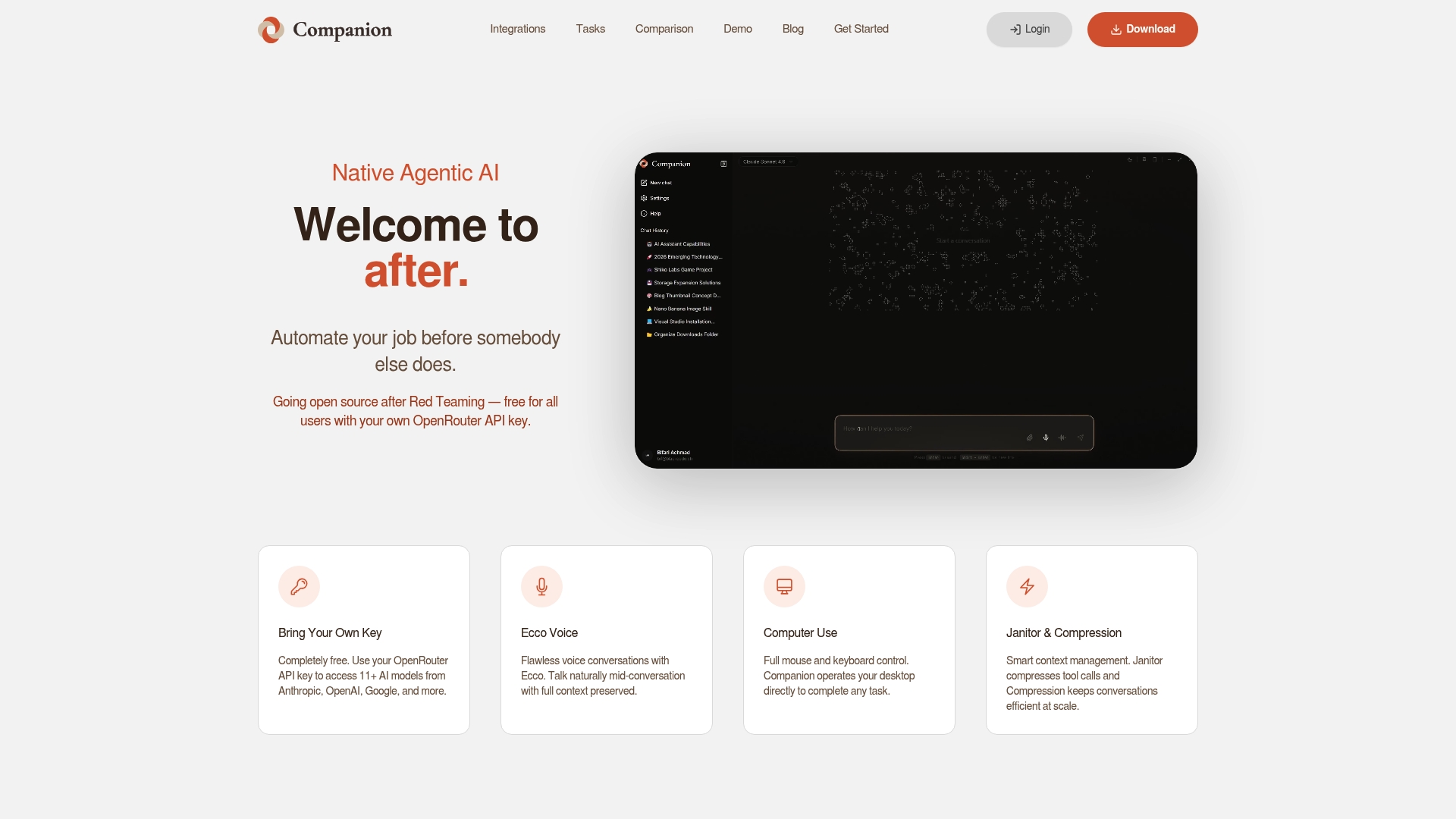
The vendor advertises integrations with more than 100 apps while the agent runs locally and controls your actual desktop. It offers true full local system access with mouse and keyboard control and voice interaction via Ecco. That architecture lets the agent execute tasks instead of only suggesting steps.
Core Features
Companion AI runs directly on your machine and performs mouse clicks, typing, browser actions, and system commands to complete tasks. It manages context with Janitor and Compression, keeps conversations stateful via voice and text, and hooks into many productivity apps for cross-application flows. The tool is open source when you bring your own OpenRouter API key and supports scripted automation and interactive sessions.
Key Differentiator
Full system control enables automation of any task you can perform manually. That direct control closes the gap between an assistant that recommends actions and one that actually executes them. For power users who need end to end desktop automation this difference changes what you can automate.
Pros
Companion AI is free to run if you supply an OpenRouter API key, which lowers the entry cost for experimentation. Running locally gives you control over files and application state, and it avoids routing your desktop actions through a remote service. The agent controls real apps instead of only giving instructions, which shortens automation development time. Integrations with popular tools increase the range of automations you can build across email, documents, and collaboration platforms.
Cons
- Requires technical setup of an OpenRouter API key, which may block nontechnical users.
- Beta software status means some features can be unstable or incomplete.
- OpenRouter API usage introduces variable costs based on model and volume.
When It May Not Fit
If you need a turnkey cloud agent that works without API keys this will feel heavy. Teams that require enterprise support and strict uptime guarantees may find beta desktop software too risky. If you cannot accept variable API billing for automated actions then the total cost of ownership may be unclear.
Notable Integrations
Companion AI lists integrations with Gmail, Word, Teams, Slack, WhatsApp, Notion, Trello, Google Calendar, Outlook, Google Drive, OneDrive, Sheets, Forms, Shopify, Spotify, YouTube, Discord, GitHub, Calendly, Odoo, and Telegram. Those connections let the agent move data between communication, document, and developer tools.
Who It's For
This product fits power users, knowledge workers, and developers who want fine grained automation of their desktop environment. People who write scripts, build custom workflows, or accept some initial technical setup will gain the most. Casual users who prefer fully managed cloud assistants will likely find it too hands on.
Real World Use Case
A knowledge worker automates email triage, populates Google Sheets with parsed attachments, and reorganizes files across Drive and OneDrive. The agent uses voice commands for ad hoc tasks and runs scheduled automations to reduce repetitive work. That saves time on repetitive desktop chores and frees focus for strategic tasks.
Website: https://aioscompanion.com
Comparison of alternatives
The available options for hosted open-source AI assistants each present unique strengths. ClawBase distinguishes itself through offering fully managed hosting for dedicated OpenClaw instances coupled with persistent memory, making it particularly suitable for users seeking a yet low-maintenance assistant setup.
Deployment and hosting simplicity
ClawBase streamlines access to AI assistants by offering managed hosting with one-click setup for OpenClaw instances. This eliminates the need for users to manually handle server provisioning and routine maintenance, such as scaling and backups. In contrast, Agntable offers a similar one-click deployment feature but operates on hosted agents without the memory capabilities demonstrated by ClawBase. Companion AI requires local installation and technical setup, presenting challenges for non-technical users compared to ClawBase’s hosted solution.
Integration capabilities
Glean excels in integration breadth by connecting enterprise systems such as Jira, Confluence, SharePoint, and GitHub, while simultaneously enforcing access controls. This indicates a definitive advantage for large organizations managing diverse data within secured environments. KaraX provides integration with popular productivity applications such as Gmail, Slack, and Notion, aimed at workflow collaboration within smaller teams. Although ClawBase incorporates direct messaging interaction, its scope of integrations is primarily tailored to individual users or smaller teams, defining its niche.
Best fit
- ClawBase best fits users seeking private, low-maintenance instances of OpenClaw while bypassing complex technical administration.
- Enterprises requiring vast integration coverage and strict compliance protocols will find Glean suitable for scaling AI features across departments.
- Developer teams focusing on bespoke desktop automation projects might consider Companion AI for its full system access and scripting control.
- Small businesses preferring simplified technology adoption without requiring custom infrastructure fit well with Agntable’s transparent pricing and hosted solutions.
Our pick
ClawBase is the preferred choice for individuals or small teams seeking privately hosted AI assistants combined with low operational demands. Features such as persistent memory and automated server management distinguish ClawBase even among alternatives. However, Glean emerges as the better option for large enterprise implementations requiring governed multi-model deployments. Choose based on your organizational size and technical priorities.
Choosing the right hosted AI assistant involves evaluating features like deployment simplicity, management requirements, and pricing. The table below compares prominent solutions to help make an informed decision.
| **Product** | **Key Differentiator** | **Best For** | **Pricing** | **Notable Limitation** |
|---|---|---|---|---|
| Clawbase | Dedicated OpenClaw instance with persistent memory | Individuals and small teams without server skills | $16/month billed annually | Requires a cloud VPS for unmanaged hosting |
| Glean | Enterprise AI with compliance and governance | Large enterprises with strict access controls | Price not published | Deployment complexity for teams without IT support |
| Agntable | Fully managed hosted instances for open-source AI | Teams needing fast agent launches | $9.99/month | Limited to supported agents and platform integrations |
| KaraX | Multi-model AI with meeting intelligence | Teams needing real-time meeting captures | Free for basic plan, paid plans start at $14.99/month | Reliance on third-party APIs |
| Companion AI | Full local system access with voice automation | Power users requiring desktop task automation | Free with OpenRouter API key | API configuration required for setup |
How to Overcome Deployment Challenges with Gallifrey.ai Alternatives
Deploying a dedicated AI assistant often means facing technical hurdles such as server management and complex setup procedures. Clawbase solves this by providing fully managed OpenClaw instances with one-click deployment on a private server. This removes the need for sysadmin skills while maintaining persistent memory, high availability, and seamless integration with platforms like Telegram and Discord.
Clawbase supports both developers and small teams by offering a reliable, private AI agent that scales automatically and requires no maintenance effort. If managing infrastructure delays your AI projects, Clawbase streamlines access to over 50 AI models with no operational overhead.
Explore Clawbase to deploy your personal AI assistant and reduce setup complexity. Get a dedicated, always-on AI ready to automate workflows and respond in real time across your communication channels.
FAQ
#### How does Clawbase support privacy for AI-assisted tasks?
Clawbase provides dedicated instances that improve privacy compared to shared cloud agents. The platform emphasizes its managed hosting for OpenClaw with controlled deployments on dedicated servers, ensuring data isolation for users. You can confidently use Clawbase for sensitive projects without worrying about data leaks.
#### What is the difference between Glean and Clawbase in terms of integration capabilities?
Glean excels in connecting knowledge across a wide array of collaboration tools like Slack and Confluence. Clawbase, however, specializes in providing a fully managed OpenClaw instance that focuses on private deployments ideal for personal AI assistance. This makes Clawbase a better fit for users looking specifically for a hosted, open-source solution without technical overhead.
#### Can I access multiple AI models with Clawbase?
Yes, Clawbase gives users access to over 50 AI models through its dedicated instances. This variety is highlighted by their marketing materials, which promote the flexibility of choosing from multiple models. Expect a robust environment for experimentation without the need for extensive setup.
#### Which platform is better for developers needing an integrated solution?
While both platforms serve developers, Clawbase may be more suitable for those seeking a dedicated AI assistant without server management skills. Its features focus on ease of deployment and maintenance, while Glean targets organizations needing governed AI across intricate workflows. Consider your specific requirements when choosing between them.
#### Does Clawbase handle backups and updates automatically?
Clawbase offers daily backups and managed updates as part of their service package. This means you can rely on Clawbase to keep your AI instance updated and your data secure. Enjoy peace of mind knowing that these critical tasks are managed for you.