AI Assistant Always-On Setup: Your 2026 Guide
2026-07-01
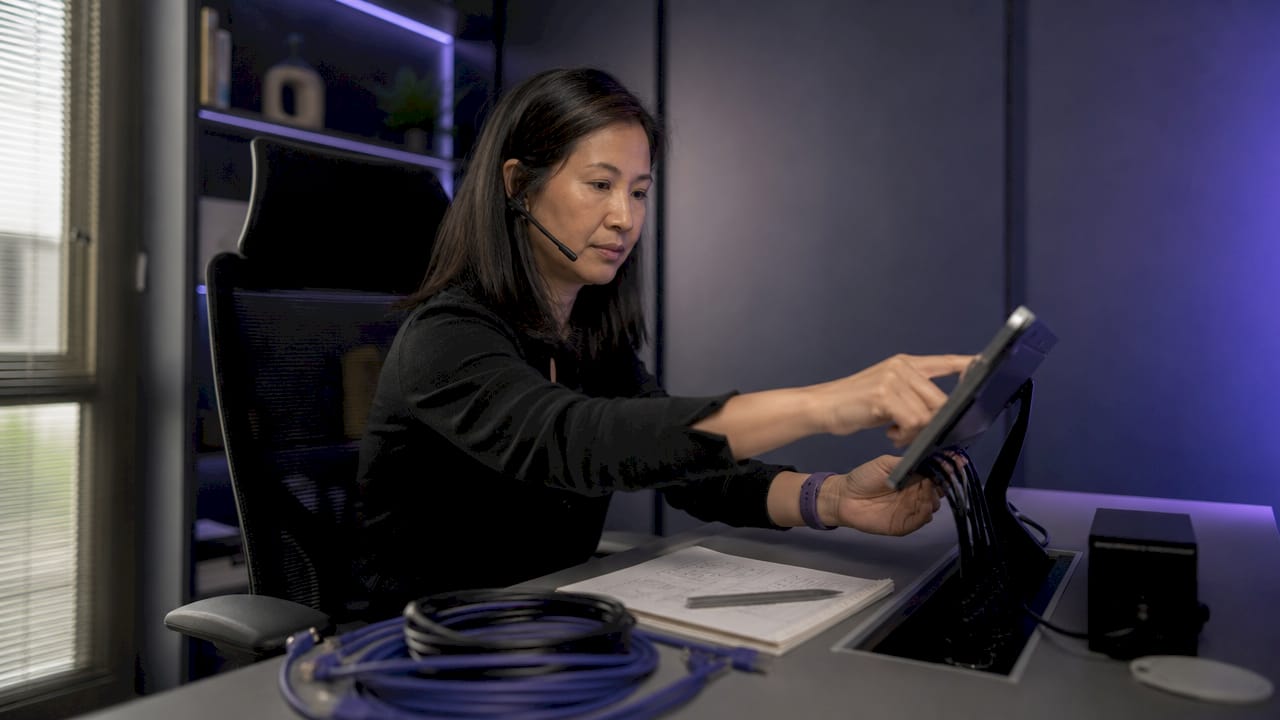
An always-on AI assistant is a software agent running uninterrupted on dedicated, non-sleeping hardware that listens, learns, and automates tasks for you at any time of day. Unlike a chatbot you open and close, a perpetual AI assistant holds context across sessions, handles background tasks, and responds the moment you need it. For individuals and small teams, this kind of ai assistant always on setup is the difference between a tool you use and a system that works for you. The industry term for this architecture is a "persistent AI agent," and understanding that distinction matters before you buy any hardware or pick any platform.
What hardware and software do you need for an always-on AI assistant?
The single most important rule in any always-on virtual assistant setup is this: your host device must never sleep. Laptop-hosted agents go offline during sleep cycles, making laptops unsuitable as permanent hosts. That one fact eliminates the most common beginner mistake before it happens.
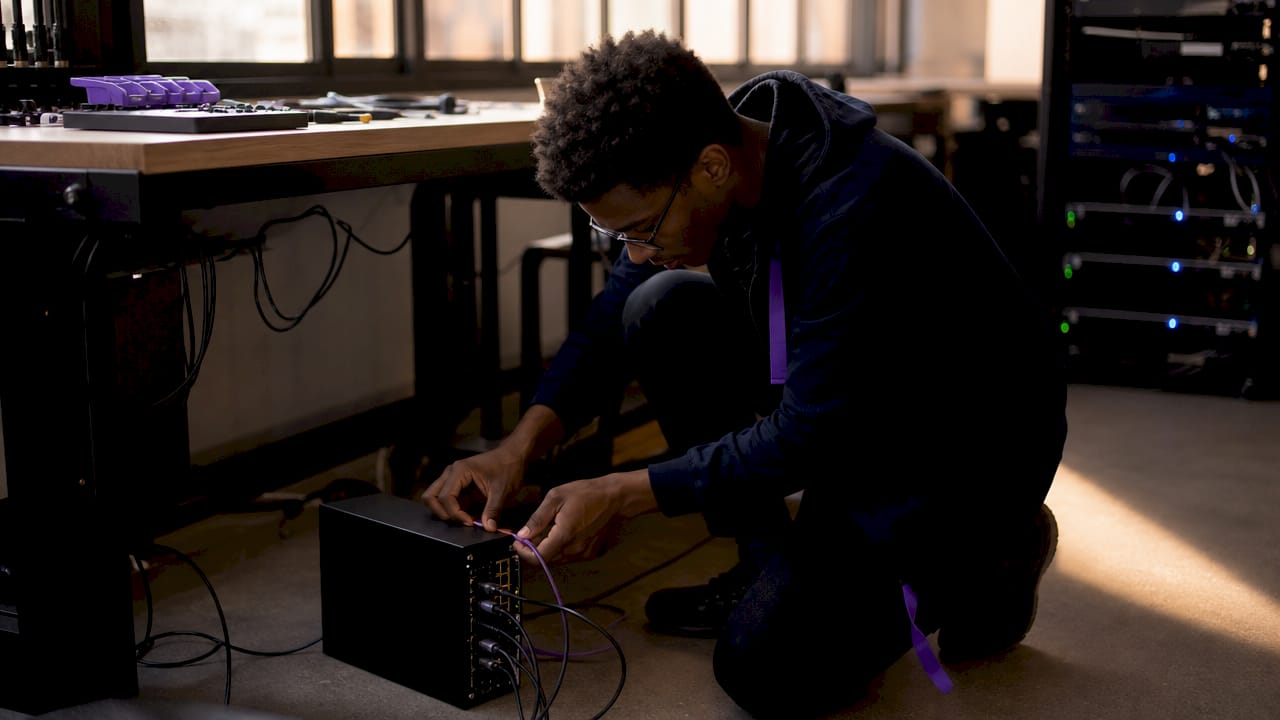
You have three practical hardware paths:
| Hardware type | Best for | Uptime reliability | Typical cost |
|---|---|---|---|
| Managed cloud service | Non-technical users, small teams | Highest (provider-managed) | Subscription from ~$16/mo |
| VPS (virtual private server) | Developers, remote access needed | High (depends on provider) | $5–$20/mo |
| Raspberry Pi or home server | Tinkerers, local-only setups | Medium (self-managed) | $35–$80 one-time |
On the software side, you need four components working together. First, an AI agent runtime, which is the core program that processes requests and executes tasks. Second, integration connectors for services like Gmail, Google Calendar, Telegram, or Discord. Third, a process manager like systemd on Linux to keep the agent running after reboots. Fourth, a security sandbox that limits what the agent can access and act on without your approval. Understanding dedicated infrastructure requirements before you start saves hours of troubleshooting later.
Pro Tip: *If you are new to this, start with a managed cloud service. You can always migrate to self-hosted hardware once you understand your usage patterns.*
How do you set up your always-on AI assistant step by step?
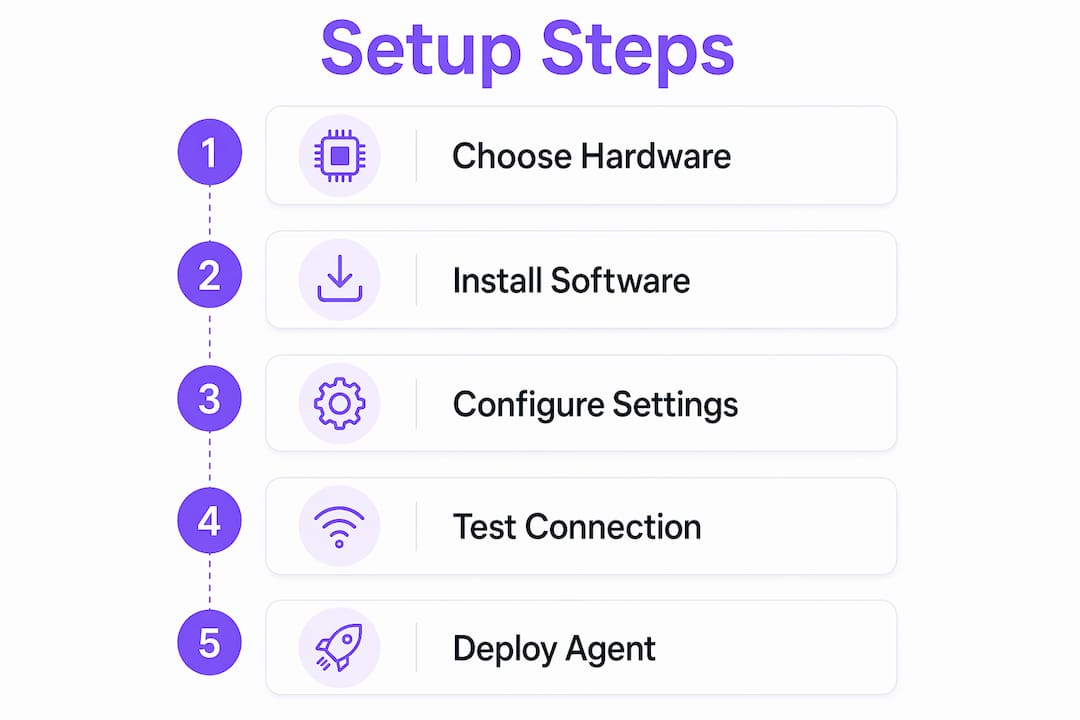
Setting up a 24/7 AI helper follows a clear sequence. Skipping steps, especially the process manager configuration, is the leading cause of agents that run once and never restart.
- Acquire and prepare your hardware. Provision a VPS through a provider like DigitalOcean or Linode, or flash a fresh operating system onto a Raspberry Pi. Either way, confirm the device has a static IP address and SSH access before moving forward.
- Install the AI agent software and its dependencies. Follow the installation guide for your chosen agent platform. For OpenClaw on a Raspberry Pi, this means installing Python dependencies and pulling the agent repository. Keep a log of every command you run. You will need it if something breaks.
- Connect your integrations. Link Gmail, Google Calendar, Slack, or any other service using API keys from each platform's developer console. API integrations like Gmail and Calendar take 30–90 seconds to complete their initial sync. Do not close the app or terminal during this window. Interrupting the sync resets the process entirely.
- Configure continuous running with a process manager. On Linux, use
systemd --usercombined withloginctl lingerto keep the agent alive after you log out. This combination on a Raspberry Pi ensures the agent restarts automatically if it crashes or the host reboots. This step is non-negotiable for true always-on operation.
- Customize your assistant's persona and task automations. Define what the agent calls you, which tasks it handles without asking, and which tasks require your approval. Start with low-risk automations like calendar summaries and draft emails before expanding to anything that sends or modifies data.
Pro Tip: *Managed services cut total setup time dramatically. Managed platforms can be ready in under 15 minutes, while a self-hosted VPS setup typically takes up to an hour. Choose based on how much control you actually need.*
Common mistakes when running a perpetual AI assistant
Most setup failures fall into a short list of repeatable patterns. Knowing them in advance means you fix problems in minutes, not hours.
- Using a laptop as the host. Sleep mode cuts the agent's connection every time the lid closes. Move to a VPS or a dedicated home server immediately.
- Skipping the process manager. Without
systemdor an equivalent, the agent dies the moment you close your SSH session. Every self-hosted setup needs this configured before anything else. - Interrupting API sync. Closing the terminal or browser during the 30–90 second integration window forces a full restart of the sync process. Wait for the confirmation message before doing anything else.
- No persistent memory layer. Re-processing fatigue is a common failure mode in agents that lack continuity. The agent rebuilds context from scratch every session, wasting compute and producing worse results over time. Use a memory layer that persists across sessions.
- No confirmation gates on high-risk actions. An agent with unrestricted access to your email or payment accounts is a liability. High-stakes actions like sending emails or payments require explicit human approval before execution.
Pro Tip: *Set up a health-check cron job that pings your agent every five minutes and sends you a Telegram message if it does not respond. You will know about outages before they cost you anything.*
The deeper issue behind most of these mistakes is treating the agent like a desktop app rather than a server process. Once you make that mental shift, the right decisions become obvious.
Tips for getting the most from your always-on AI assistant
A well-configured persistent AI agent does more than answer questions. It manages your day proactively, provided you give it the right structure to work within.
- Use confirmation gates for sensitive tasks. Let the agent draft, plan, and prepare. Require your explicit approval before it sends, deletes, or modifies anything consequential. This keeps automation fast without removing human judgment from the loop.
- Schedule daily briefings. Configure the agent to send a morning summary to Telegram or Discord covering your calendar, open tasks, and any flagged emails. This replaces the habit of manually checking three apps before 9 a.m.
- Maintain a security sandbox. Zero-trust enforcement limits the agent's tool access to only approved capabilities. Review and update the approved list monthly as your workflows change.
- Let persistent memory do the heavy lifting. Assistants with persistent memory connect across your inbox, calendar, Slack, and CRM, remembering your tone, priorities, and active projects. Think of this memory as layers in a brain stack: short-term for today's context, long-term for your preferences and history.
- Integrate across channels. A single agent connected to email, calendar, and a messaging platform like Telegram handles more than three separate tools ever could. The value compounds as the agent learns which tasks belong in which channel.
A practical daily briefing workflow looks like this:
> *7:00 a.m.: Agent sends a Telegram message listing three calendar events, two email threads flagged as urgent, and one task overdue from yesterday. You reply "confirm" to approve the draft reply it prepared for the top email. By 7:05 a.m., you are already ahead.*
This kind of workflow is not theoretical. It is what scheduling tasks with an AI assistant looks like in practice once the setup is solid.
Key Takeaways
A reliable always-on AI assistant requires dedicated non-sleeping hardware, a persistent memory layer, and confirmation gates on sensitive actions working together from day one.
| Point | Details |
|---|---|
| Hardware is the foundation | Never host on a laptop; use a VPS, Raspberry Pi, or managed cloud service for true 24/7 uptime. |
| Process manager is non-negotiable | Configure `systemd` linger or equivalent so the agent restarts automatically after crashes or reboots. |
| Persistent memory prevents wasted work | Memory layers that carry context across sessions eliminate re-processing fatigue and improve output quality. |
| Confirmation gates protect you | Require explicit approval for high-risk actions like sending emails or processing payments. |
| Managed services cut setup time | Managed platforms can be ready in under 15 minutes versus up to an hour for self-hosted options. |
Why continuity is the real unlock
I have tested a lot of AI agent setups over the past two years, and the pattern is consistent: the agents that actually change how people work are not the ones with the most features. They are the ones that stay on.
The first time I ran an agent on a laptop, it worked beautifully for about four hours. Then the screen dimmed, the lid half-closed, and the agent went silent. I spent more time debugging the sleep settings than I had saved with the automation. That experience pushed me toward dedicated hardware immediately, and I have not looked back.
What surprises most people is how much of the value comes from persistent memory across sessions. An agent that remembers your writing style, your recurring contacts, and your project priorities does not just save time. It produces better output than one starting cold every morning. The memory stack is the differentiator, not the model size.
My honest advice: start simpler than you think you need to. Connect one integration, automate one daily task, and let the agent prove itself before you expand. The teams I have seen get the most value are not the ones who connected everything on day one. They are the ones who iterated carefully, added confirmation gates early, and treated the agent as a junior colleague rather than a black box. Voice-first interfaces are coming fast in 2026, and the teams already comfortable with persistent agents will adopt them without friction. The ones who skipped the fundamentals will start over.
> *— Iosif Peterfi*
Clawbase makes your always-on setup simple
Getting a persistent AI agent running on your own infrastructure is achievable, but it takes time, patience, and a tolerance for debugging. Clawbase removes that friction entirely.

Clawbase provides managed OpenClaw hosting starting at $16/month, with one-click deployment on a dedicated server and 99.9% uptime guaranteed. There is no sysadmin work, no process manager configuration, and no maintenance overhead. The agent connects to Telegram, Discord, and other platforms out of the box, with access to over 50 AI models and persistent memory management built in. Setup takes under 15 minutes. For individuals and small teams who want the productivity gains without the infrastructure headache, Clawbase is the direct path. Explore what AI agents can do for your specific workflows before you commit to any setup path.
FAQ
What is an always-on AI assistant?
An always-on AI assistant is a persistent software agent running continuously on dedicated hardware that automates tasks, holds memory across sessions, and responds at any hour without manual restart.
Why can't I just run the agent on my laptop?
Laptop sleep modes cut the agent's network connection and halt its processes. Dedicated hardware like a VPS or Raspberry Pi is required for uninterrupted operation.
How long does it take to set up an always-on AI assistant?
Managed services are ready in under 15 minutes. Self-hosted setups on a VPS or home server typically take up to an hour, depending on your familiarity with Linux configuration.
What is persistent memory and why does it matter?
Persistent memory stores context, preferences, and project history across sessions. Without it, the agent rebuilds context from scratch each time, producing lower-quality output and wasting compute resources.
How do I keep my always-on AI assistant secure?
Apply a security sandbox that limits the agent to approved tools only, and require human confirmation before the agent executes high-risk actions like sending emails or making payments.