No-Code AI Assistant Benefits for Business in 2026
2026-06-10

A no-code AI assistant is a software tool that lets you build, deploy, and manage AI-powered workflows through visual interfaces rather than written code. The no-code AI assistant benefits are measurable and immediate: enterprise teams report 40 to 60% productivity gains when they replace manual review processes with these tools. Platforms like n8n, Make.com, Copy.ai, and LangFlow have made it possible for analysts, marketers, and operations managers to automate complex, judgment-based tasks without writing a single line of Python. The industry term for this category is "no-code AI automation," and it covers everything from document classification to agentic workflows that reason and plan across multiple steps. If you are evaluating whether this technology fits your team, the evidence in 2026 points clearly in one direction.
1. No-code AI assistant benefits start with productivity gains
The most direct advantage of no-code AI automation is the elimination of repetitive, high-volume manual work. Tasks like data extraction, document classification, email routing, and lead triage are prime candidates. When these tasks run through a configured AI workflow, the human on your team stops touching them entirely and focuses on decisions that require judgment.
- Customer service teams use no-code AI to classify inbound tickets by urgency and route them to the right agent automatically.
- Sales teams apply AI-powered lead scoring inside Make.com or n8n to prioritize outreach without manual CRM updates.
- Document-heavy operations, like contract review or invoice processing, use extraction workflows that reduce manual processing time by up to 70%.
- One e-commerce brand automated review sentiment analysis and cut response time from 24 hours to 12 minutes, improving customer retention by 12%.
The productivity gains compound quickly. A single workflow that saves two hours per day per employee translates to roughly 500 hours annually per person. That is not a marginal improvement. It is a structural shift in how your team allocates time.
Pro Tip: *Design your workflow around the output you need before you configure any AI step. Teams that define the exact format, structure, and destination of every output before touching the platform see significantly faster deployment and fewer rework cycles.*

2. Cost savings and faster deployment cycles
No-code AI reduces development costs by eliminating the need for specialized AI engineers on most automation projects. Traditional AI development requires data scientists, ML engineers, and DevOps support. No-code platforms replace that stack with a visual builder that a business analyst can operate.
The speed difference is stark. Moving from prototype to deployed workflow takes hours or days on platforms like Make.com, compared to months for custom-built solutions. That compression matters enormously when you are trying to respond to a market change or test a new process before committing budget.
Here is how deployment costs and payback periods break down across business tiers in 2026:
- Small businesses pay $200 to $1,000 per month for no-code AI platforms and typically see payback within 2 to 6 months when automating a single high-volume process.
- Mid-market companies investing in multi-workflow automation see payback in 6 to 12 months, with operational cost reductions driven by reduced headcount pressure on repetitive roles.
- Enterprise deployments at $15,000 or more per month for full-stack AI automation achieve payback in 12 to 18 months, with ROI accelerating significantly in clean data environments.
The data is clear: organizations with well-structured data realize payback three times faster than those with fragmented or inconsistent records. Data readiness is not a secondary concern. It is the primary variable in your ROI timeline.
3. Accessibility for non-technical users
No-code AI tools are built on the premise that domain expertise matters more than coding ability when designing an AI workflow. A marketing manager who understands the lead qualification process will build a better lead-scoring workflow than a developer who does not. Visual, drag-and-drop interfaces make that possible.
Citizen developers and domain experts can now embed their business logic directly into AI workflows without writing code. This is the democratization of AI in practice, not in theory. It means your operations lead can build a document routing workflow in n8n on a Tuesday afternoon without filing an IT ticket.
The business roles that benefit most from this shift include:
- Marketing analysts who build content generation and campaign reporting workflows in Copy.ai or Make.com.
- Operations managers who automate approval chains, file organization, and vendor communication.
- Customer success teams who configure AI agents to draft personalized follow-up emails based on CRM data.
- Finance teams who extract and reconcile data from invoices and receipts without manual entry.
Cross-team collaboration also improves. When non-technical staff can prototype and iterate on their own workflows, they bring clearer requirements to technical teams for the cases that do require engineering. The handoff becomes more productive on both sides. For a deeper look at what this looks like in practice, the AI assistant without coding guide from Clawbase covers the mechanics clearly.
4. Faster experimentation and iteration
No-code AI platforms let you test a hypothesis about a workflow in hours rather than weeks. That speed changes how teams approach process improvement. Instead of building a business case for a six-month development project, you prototype the workflow, measure the output, and decide whether to scale it. The cost of being wrong is low.
No-code AI democratizes rapid prototyping, allowing business users to experiment before committing to full machine learning development efforts. This is a meaningful shift in organizational behavior. Teams that previously waited for engineering bandwidth now run their own experiments. The result is more ideas tested, more failures caught early, and more successful workflows reaching production.
The iteration loop on platforms like LangFlow is particularly tight for agentic workflows. You can adjust the reasoning logic, change the model, or add a fallback step and redeploy in minutes. That kind of feedback cycle was not available to non-technical teams two years ago.
5. Agentic workflows that reason, not just trigger
Passive automation, where a trigger fires a fixed action, handles predictable tasks well. It breaks down when inputs are unstructured or when the task requires judgment across multiple steps. Agentic AI workflows solve this by adding a reasoning layer that plans, evaluates, and adapts.
Agentic workflows outperform passive automations by a factor of 3:1 in task completion rates. Orchestration layers in tools like LangFlow and Zapier Central enable AI to handle probabilistic, unstructured tasks that would break a simple trigger-action script. This matters for real business processes, which rarely arrive in clean, predictable formats.
A practical example: a passive automation might route an email if the subject line contains a specific keyword. An agentic workflow reads the full email, determines intent, checks the CRM for context, drafts a response, and flags the thread for human review if confidence is below a defined threshold. The second approach handles the actual complexity of business communication. You can explore what this looks like across different industries in the OpenClaw use cases library.
6. Challenges and best practices for reliable deployments
The most common failure mode in no-code AI deployments is treating the platform as a plug-and-play replacement for process design. Visual ease creates a false sense of simplicity. The interface is easy. The underlying workflow design is not.
Most no-code AI failures arise from inconsistent inputs, undefined output formats, missing fallback logic, and no human-in-the-loop review for edge cases. A single misconfigured prompt can produce thousands of erroneous outputs before anyone notices, because the pipeline runs at machine speed. That is not a hypothetical risk. It is a documented failure pattern.
Best practices for reliable deployments:
- Define the exact input format your AI step expects and validate it before the step runs.
- Specify output structure explicitly. If you need JSON with four fields, say so in the prompt and test it under volume.
- Build fallback paths for every step that can fail. Route uncertain outputs to a human review queue rather than letting them pass through.
- Test with real, messy data before going live. Clean test data hides the edge cases that break production workflows.
- Treat AI steps as additions to disciplined workflow design, not substitutes for it.
For teams working with inconsistent or unstructured data sources, the AI data output reliability guide covers practical strategies for improving consistency before data reaches your AI step.
Pro Tip: *Run every new workflow through at least 200 real-world test cases before deploying to production. Volume testing surfaces prompt failures and edge cases that small sample tests miss entirely.*
7. Platform comparison: which no-code AI tool fits your needs?
Popular no-code AI platforms in 2026 each target different user profiles and use cases. Choosing the right one depends on your technical comfort level, customization needs, and the type of tasks you want to automate.
| Platform | Best for | Key strength | Pricing tier |
|---|---|---|---|
| n8n | Technical teams wanting data sovereignty | Self-hosting, open-source, deep customization | Free self-hosted; cloud from ~$20/mo |
| Make.com | Non-technical teams needing fast deployment | Visual builder, 1,000+ integrations, low learning curve | Free tier; paid from $9/mo |
| Copy.ai | Marketing and content teams | AI-native content workflows, GTM automation | Free tier; paid from $49/mo |
| LangFlow | AI engineers building agentic systems | Agent orchestration, LLM chaining, vector stores | Open-source; cloud pricing varies |
n8n suits teams that want full control over their data and are comfortable with some configuration complexity. Make.com is the fastest path to a working automation for non-technical users. Copy.ai is purpose-built for content and go-to-market workflows. LangFlow is the right choice when you need multi-step AI reasoning and are comfortable working closer to the model layer. For teams that want a managed AI agent without configuring any of these platforms themselves, Clawbase offers a different approach entirely, covered below.
Key takeaways
No-code AI assistants deliver measurable productivity, cost, and agility benefits when deployed with disciplined workflow design and clear output definitions.
| Point | Details |
|---|---|
| Productivity gains are quantifiable | Enterprise teams report 40 to 60% productivity improvements by replacing manual review with no-code AI workflows. |
| Cost and speed advantages are significant | Development cycles compress from months to hours, with small business payback periods as short as 2 to 6 months. |
| Non-technical users can build real workflows | Domain experts using platforms like Make.com and n8n can automate complex tasks without writing code. |
| Agentic workflows outperform passive scripts | Reasoning-capable AI workflows complete tasks at 3x the rate of trigger-action automations for unstructured inputs. |
| Design discipline determines deployment success | Consistent inputs, defined outputs, and fallback logic are non-negotiable for production-grade no-code AI. |
What I have learned from watching teams adopt no-code AI
The pattern I see most often is this: a team gets excited about no-code AI, builds a prototype in a day, and then spends three weeks debugging why it fails on 15% of real inputs. The platform did not lie to them. The visual interface genuinely is that fast to configure. What it does not show you is the gap between a working demo and a reliable production system.
The teams that succeed treat no-code AI the way good engineers treat any system: they define the contract first. What goes in, what comes out, what happens when it does not. They start with one workflow, measure it obsessively, and scale only after the output quality is consistent. The teams that struggle try to automate five processes at once and end up with five half-working systems.
I have also noticed something counterintuitive about who builds the best workflows. It is rarely the most technical person on the team. It is the person who understands the process most deeply. A customer success manager who has handled 10,000 support tickets knows exactly what "urgent" means in that context. That knowledge, embedded into a prompt and a routing rule, produces a workflow that a developer writing from a spec sheet cannot match. No-code AI does not replace employees. It gives the right employees the tools to automate their own expertise at scale.
Start small. Measure outputs. Scale what works. That is the entire playbook.
> *— Iosif Peterfi*
Deploy a no-code AI agent with Clawbase
If you want a private, always-on AI agent without configuring n8n, LangFlow, or any self-hosted infrastructure, Clawbase offers a direct path. Clawbase provides managed OpenClaw hosting from $16 per month, with one-click deployment on a dedicated server and no maintenance required on your end.
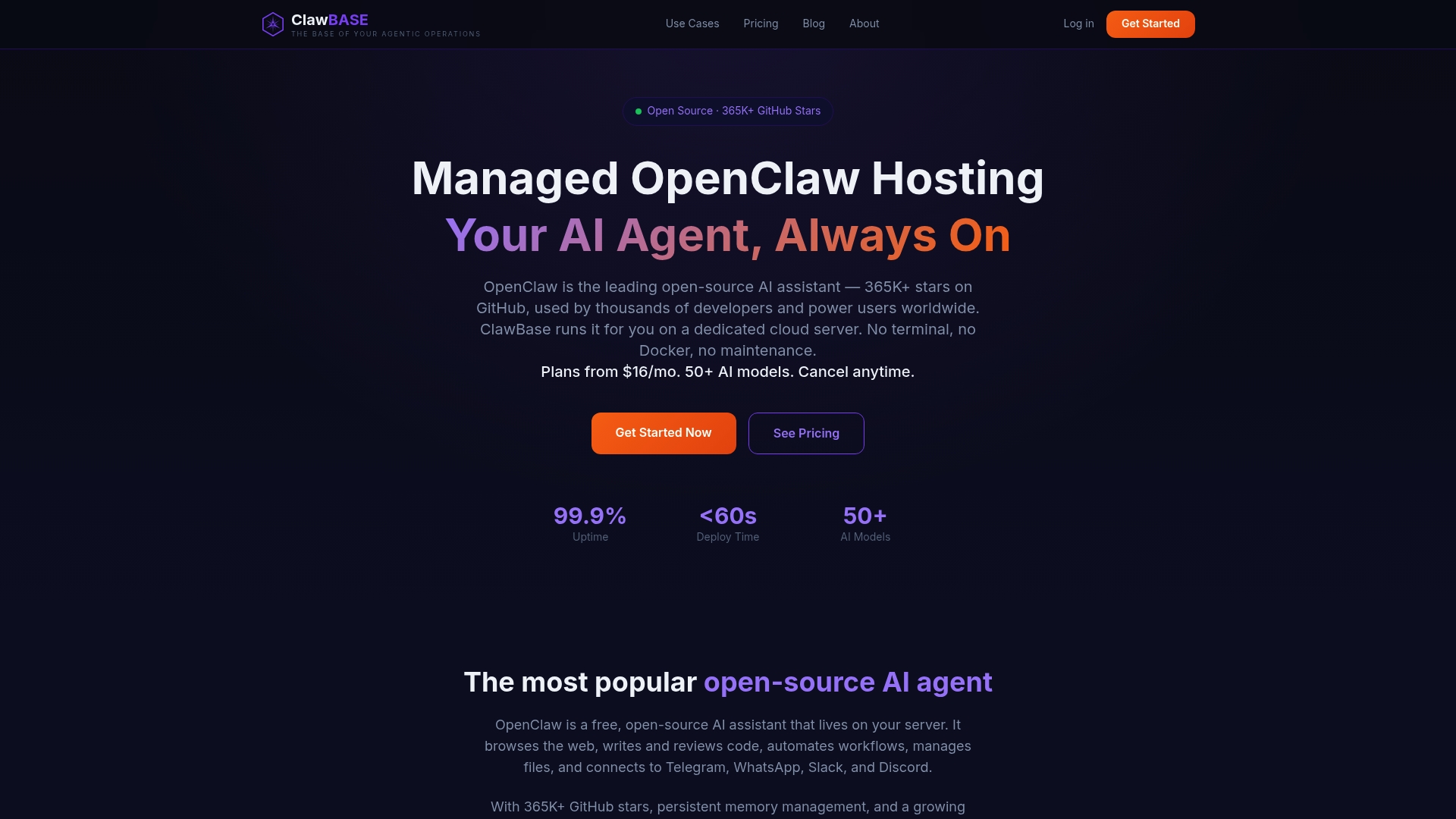
The agent integrates with Telegram and Discord out of the box, manages files, automates workflows, and gives you access to over 50 AI models with persistent memory across sessions. Uptime is guaranteed at 99.9%, which means your automation runs whether or not you are at your desk. For teams that want the benefits of a managed AI service without the overhead of running their own infrastructure, Clawbase removes every technical barrier between you and a working AI agent.
FAQ
What is a no-code AI assistant?
A no-code AI assistant is an AI-powered tool you configure through a visual interface rather than code. Platforms like Make.com, n8n, and Copy.ai let non-technical users build, deploy, and manage AI workflows without programming skills.
How much productivity improvement can I expect?
Enterprise teams report 40 to 60% productivity gains when replacing manual review processes with no-code AI workflows. Individual results depend on the volume and repetitiveness of the tasks you automate.
What are the biggest risks with no-code AI deployments?
The primary risk is treating the platform as a substitute for process design. A misconfigured prompt can produce thousands of errors at machine speed, so consistent inputs, defined outputs, and fallback logic are required for any production workflow.
Which no-code AI platform is best for non-technical users?
Make.com is the fastest path to a working automation for non-technical users, with a visual builder and over 1,000 integrations. Copy.ai is the strongest option specifically for marketing and content workflows.
How long does it take to deploy a no-code AI workflow?
Most no-code AI platforms support moving from prototype to deployed workflow in hours or days, compared to months for custom-built AI solutions. Deployment speed depends on data readiness and the complexity of the process you are automating.